28
Clock (VCR) (cont’d)
6
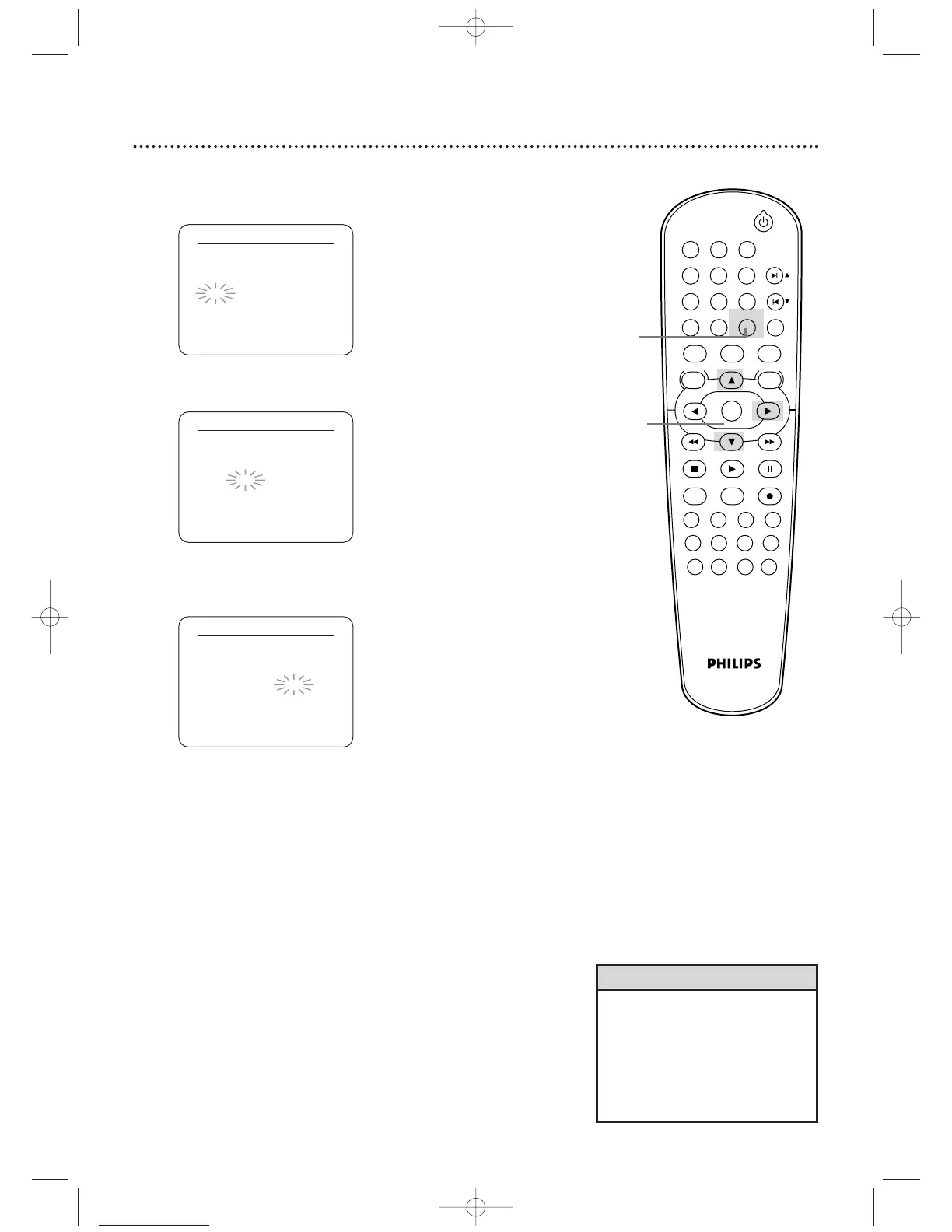
While the HOUR space is flashing, press o or p
until the hour appears.Then, press B.
CLOCK SET
MONTH DAY YEAR
0 3 / 2 1 SAT 2 0 0 4
HOUR MINUTE AM/PM
0 5 : – – – –
7
While the MINUTE space is flashing, press o or p
until the minute appears.Then, press B.
CLOCK SET
MONTH DAY YEAR
0 3 / 2 1 SAT 2 0 0 4
HOUR MINUTE AM/PM
0 5 : 4 0 – –
8
While the AM or PM space is flashing, press o or p
to point to AM or PM.
Your selection will flash on the screen in the AM/PM space.
CLOCK SET
MONTH DAY YEAR
0 3 / 2 1 SAT 2 0 0 4
HOUR MINUTE AM/PM
0 5 : 4 0 P M AM
B PM
9
Press CLEAR/RESET or B to start the clock.
• To reset the clock, follow steps 1-2
on page 27. Select the information
you want to change using
B
or
s
.When the information is
flashing, use
o
or
p
to enter the
correct information. Press
CLEAR/RESET to set the clock.
Helpful Hint












 To Next Page