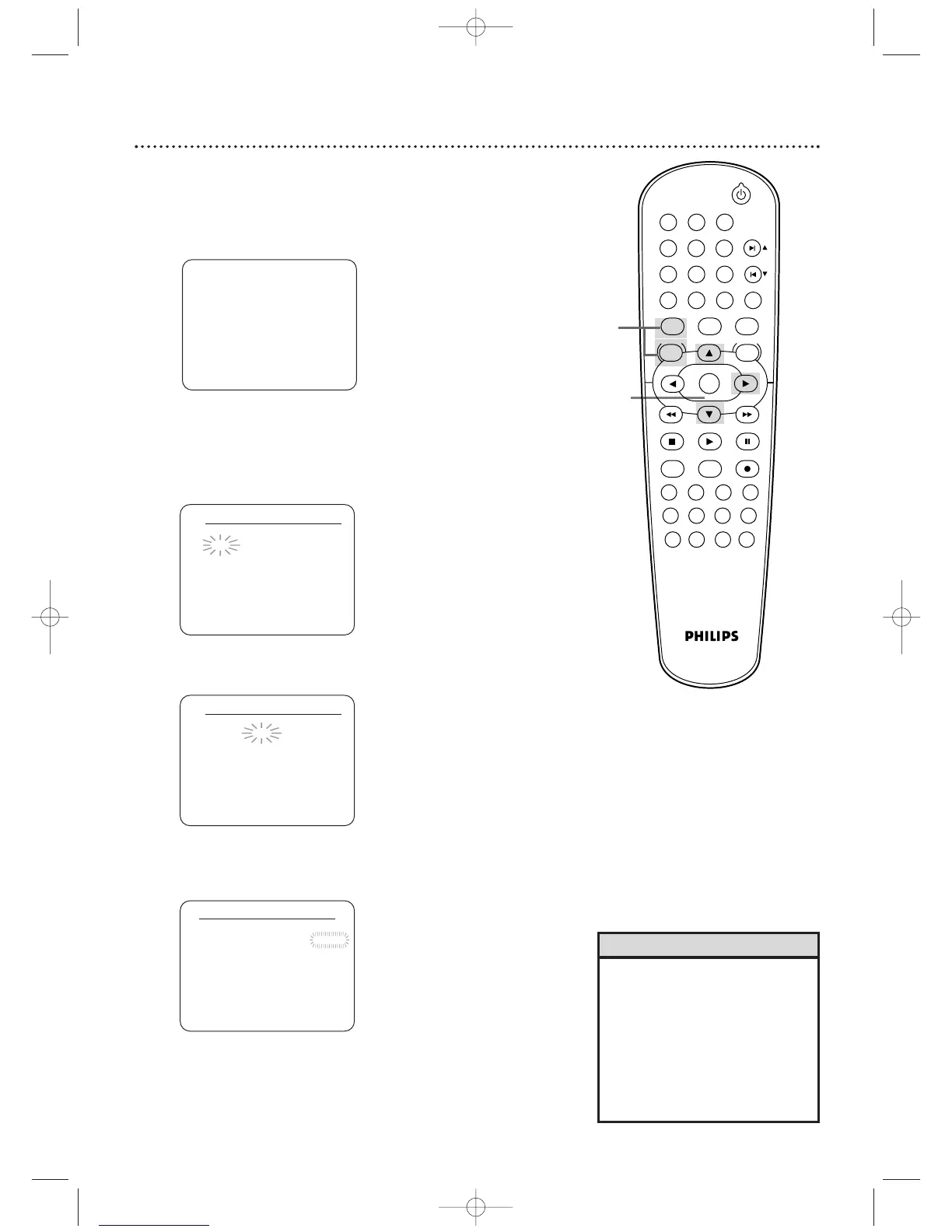
Clock (VCR)
27
CLOCK SET
MONTH DAY YEAR
0 3 / 2 0 – – – –
HOUR MINUTE AM/PM
– – : – – – –
4
While the DAY space is flashing, press o or p until
the day appears.Then, press B.
5
While the YEAR space is flashing, press o or p until
the year appears. Press B. The day of the week will
appear automatically.
CLOCK SET
MONTH DAY YEAR
0 3 / 2 1 SAT 2 0 0 4
HOUR MINUTE AM/PM
– – : – – – –
CLOCK SET
MONTH DAY YEAR
0 3 / – – – – – –
HOUR MINUTE AM/PM
– – : – – – –
• If the clock has never been set, the
CLOCK SET menu may appear
when you press DISC/VCR/MENU.
If so, follow the instructions from
step 3 above.
• Press DISPLAY until the time
appears on the TV screen.
• Power failures of more than 30
seconds can erase the clock setting.
Helpful Hints
2-5
1
- M E N U -
B TIMER PROGRAMMING
AUTO REPEAT [OFF]
CHANNEL SET UP
CLOCK SET
LANGUAGE SELECT
AUDIO OUT
TV STEREO [ON]
SAP
Follow these steps to set the VCR clock. Make sure:
● The DVD/VCR is on and in VCR mode. Press VCR so the VCR
light appears on the front of the DVD/VCR.
1
Press VCR, then press DISC/VCR/MENU so MENU
appears.
2
Press o or p to select CLOCK SET, then press B.
3
While the MONTH space is flashing, press o or p
until the month appears.Then, press B.












 To Next Page