24
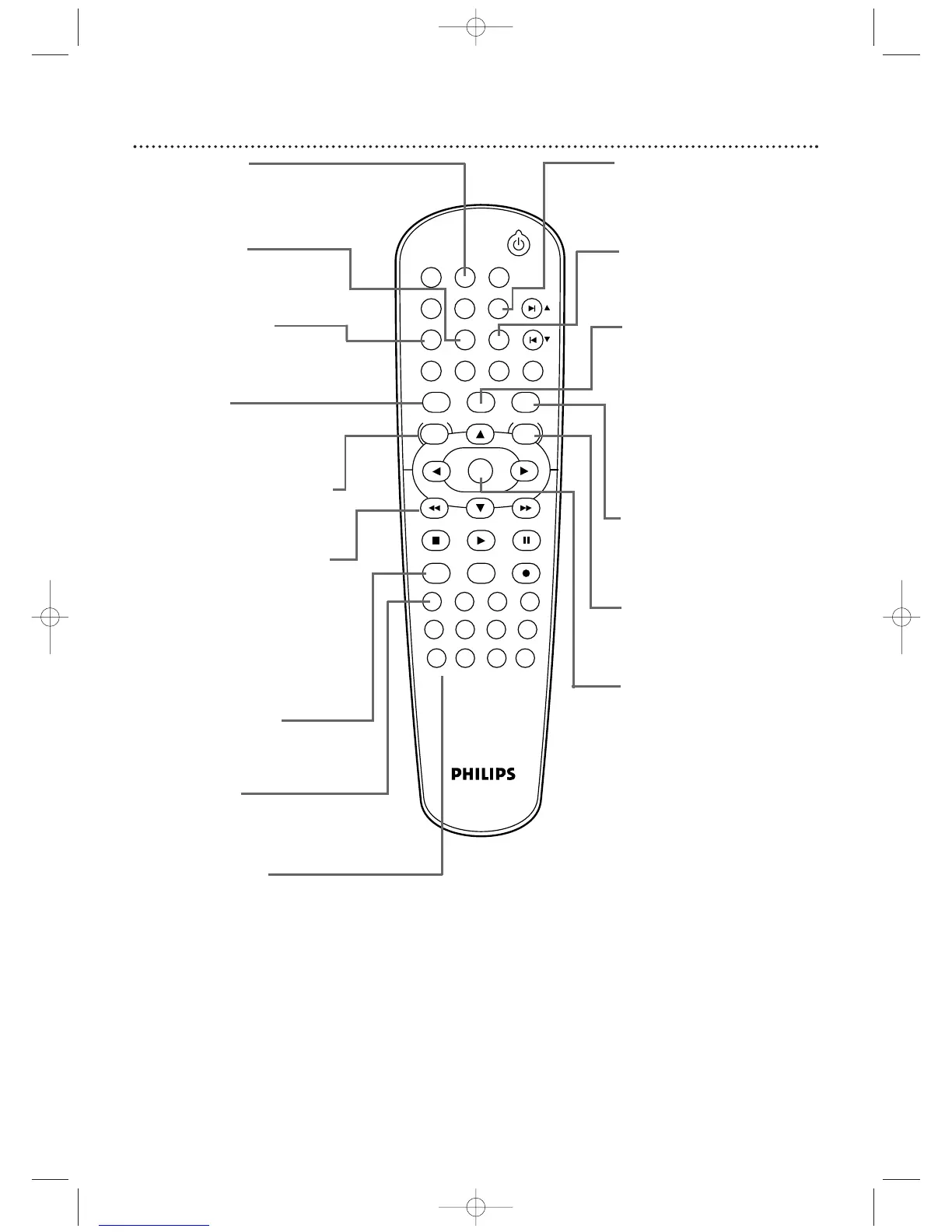
Remote Control (cont’d)
TIMER SET Button
Press to set a timer recording
that you have programmed.
Details are on pages 35-37.
SUBTITLE Button
Press to select a language for
DVD subtitles. Details are on
page 54.
VCR Button
Press before using the remote
control for VCR features.
Press to put the DVD/VCR in
VCR mode.
OK Button
Press to confirm or select
menu items.
ANGLE Button
Press to see a DVD picture
from a different angle. Details
are on page 54.
Number Buttons
In DVD mode, press to select a Track
or Chapter for playback. Use the +10
button for items 10 and above.
Details are on page 50.
In VCR mode, use to select TV
channels. Enter channel numbers as a
two-digit number for the quickest
results (to select channel 6, press 0,6).
For channels 100 and above, enter a
three-digit number (for channel 117,
press 1, 1, 7). If you have Cable TV,
channels 1-125 are available. If you
have an antenna, channels 2-69 are
available.The +10 button has no effect
in VCR mode.
ZOOM Button
Press to enlarge the DVD,
Video CD, or JPEG image.
Details are on page 58.
MODE Button
Press to set a Program. Details
are on page 59. Press to start
Random playback.
Details are on page 60.
SYSTEM/MENU Button
Press to access or remove the
DVD Player’s Setup menu.
VCR/TV Button
Press to select VCR or TV
position. In VCR position, watch
a tape or watch/record TV
programs (changing channels at
the VCR).
Use TV position to watch TV
channels (changing channels at
the TV) or watch one program
while recording another.
Details are on page 32.
h (Rewind) Button
Press to fast reverse a Disc.
Details are on page 48. Press
when DVD playback is paused
to start reverse slow motion
playback.
Details are on page
58.
Press to rewind a tape. Details
are on page 42.
AUDIO Button
Press to choose a DVD audio
language or an Audio CD
sound mode.
Details are on page 57.
DISC/VCR/MENU Button
Press to access or remove a
DVD Disc menu or the VCR
menu.
DVD Button
Press before using the remote
control for DVD features.
Press to put the DVD/VCR in
DVD mode.
SPEED Button
Press to select the VCR’s
recording speed (SP or SLP).
Details are on pages 3
1
, 34, and 7
1
.












 To Next Page