36
Timer Recording (cont’d)
5
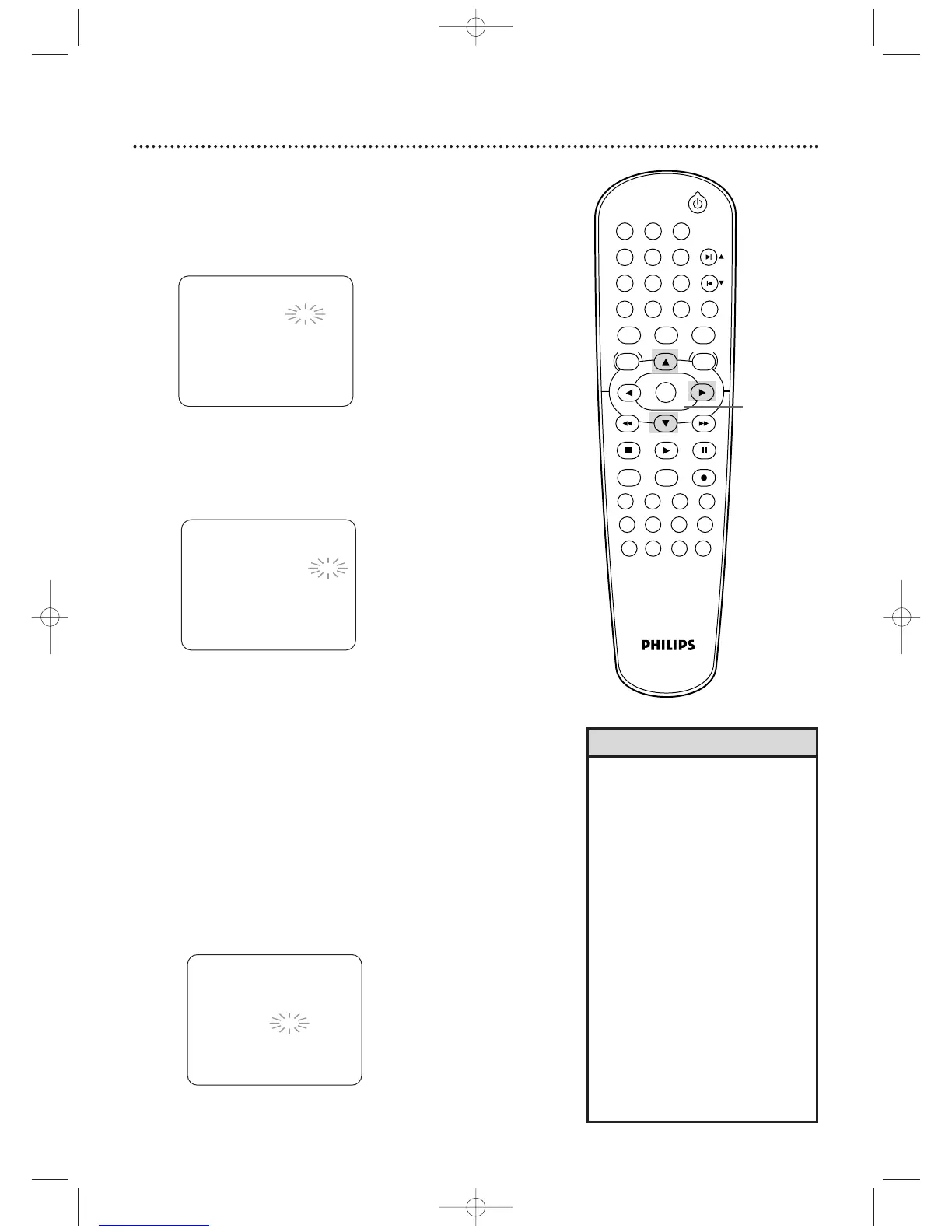
To enter the recording date, press o or p until the
month appears.Then, press
B.
Next, press o or p until the day appears.Then,
press
B. The day of the week will appear. You cannot
record more than one year in advance.
Instructions continue on page 37.
• If you are recording from other
equipment, set CHANNEL to L
1 or
L2 at step 8. If you connected the
other equipment to the AUDIO and
VIDEO In jacks on the front of the
DVD/VCR, choose L2. If you
connected the equipment to the
AUDIO IN and VIDEO IN jacks on
the back of the DVD/VCR, choose
L
1.
• Enter the information while the
space is flashing.
• To stop a started timer recording,
press STOP/EJECT
C A
(VCR) on
the front of the DVD/VCR. (You
cannot stop a started timer
recording with the STOP
C
button
on the remote.)
More Helpful Hints are on
page 75.
Helpful Hints
6
To enter the recording’s start time, press o or p until
the hour appears. Press
B.
Press
o or p until the minute appears. Press B.
Finally, press o or p to point to AM or PM. AM or
PM will flash beside the start time.
Press B.
ONE TIME PROGRAM
PROGRAM NUMBER
1
DATE 0 5 / 0 4 TUE
START TIME – – : – – – –
END TIME – – : – – – –
CHANNEL – –
REC SPEED – –
7
Repeat the procedure in step 6 to set the
recording’s end time.
8
Press o or p until the channel number appears.
Then, press
B.
● If you are using a standard antenna/Cable TV hookup (as
shown on page 7), select the channel of the TV program
you want to record.
● If you are recording from other equipment, select L1 or
L2.To determine L
1 or L2, refer to the Helpful Hints on
page 37.
● If you are using a Cable Box/Satellite Receiver, select the
Cable Box/Satellite Receiver output channel (03 or 04).
Then, at the Cable Box/Satellite Receiver, select the
channel you want to record. Leave the Cable
Box/Satellite Receiver on for the timer recording.
Details are on page 8.
ONE TIME PROGRAM
PROGRAM NUMBER
1
DATE 0 5 / 0 4 TUE
START TIME 0 7 : 3 0 P M
END TIME – – : – – – –
CHANNEL – –
REC SPEED – –
AM
BPM
ONE TIME PROGRAM
PROGRAM NUMBER
1
DATE 0 5 / 0 4 TUE
START TIME 0 7 : 3 0 P M
END TIME 0 8 : 3 0 P M
CHANNEL
16
REC SPEED – –












 To Next Page