Setting Alarms 4 ECG and Arrhythmia Monitoring
59
Setting Alarms
Alarms are automatically enabled in Monitor and Pacer modes. In Manual Defib Mode alarms are
automatically enabled if the Sync function is enabled. If the Sync function is not enabled, alarms are
enabled in Manual Defib mode using the Alarm Pause button. Alarm settings for Heart Rate (HR) and
VTACH are as configured but may be changed during operation for the current patient incident. The
setting for PVC Rate Limit may only be changed in response to a PVC Rate alarm condition. Settings
for other HR and arrhythmia alarms may not be changed.
Changing Heart Rate or VTACH Alarm Limits
To change the HR or VTACH limits:
1 Press the Menu Select button.
2 Using the Navigation buttons, select Measurements/Alarms from the menu and press the Menu
Select button.
3 Select HR/Arrhythmia and press the Menu Select button.
4 Select HR or VTACH Limits and press the Menu Select button.
5 Using the Navigation buttons, select the new values and press the Menu Select button.
Enabling/Disabling Heart Rate and Arrhythmia Alarms
To enable/disable the HR and Arrhythmia alarms:
1 Press the Menu Select button.
2 Select Measurements/Alarms from the menu and press the Menu Select button.
3 Select HR/Arrhythmia and press the Menu Select button.
4 Select Alarms On/Off and press the Menu Select button.
Responding to HR and Arrhythmia Alarms
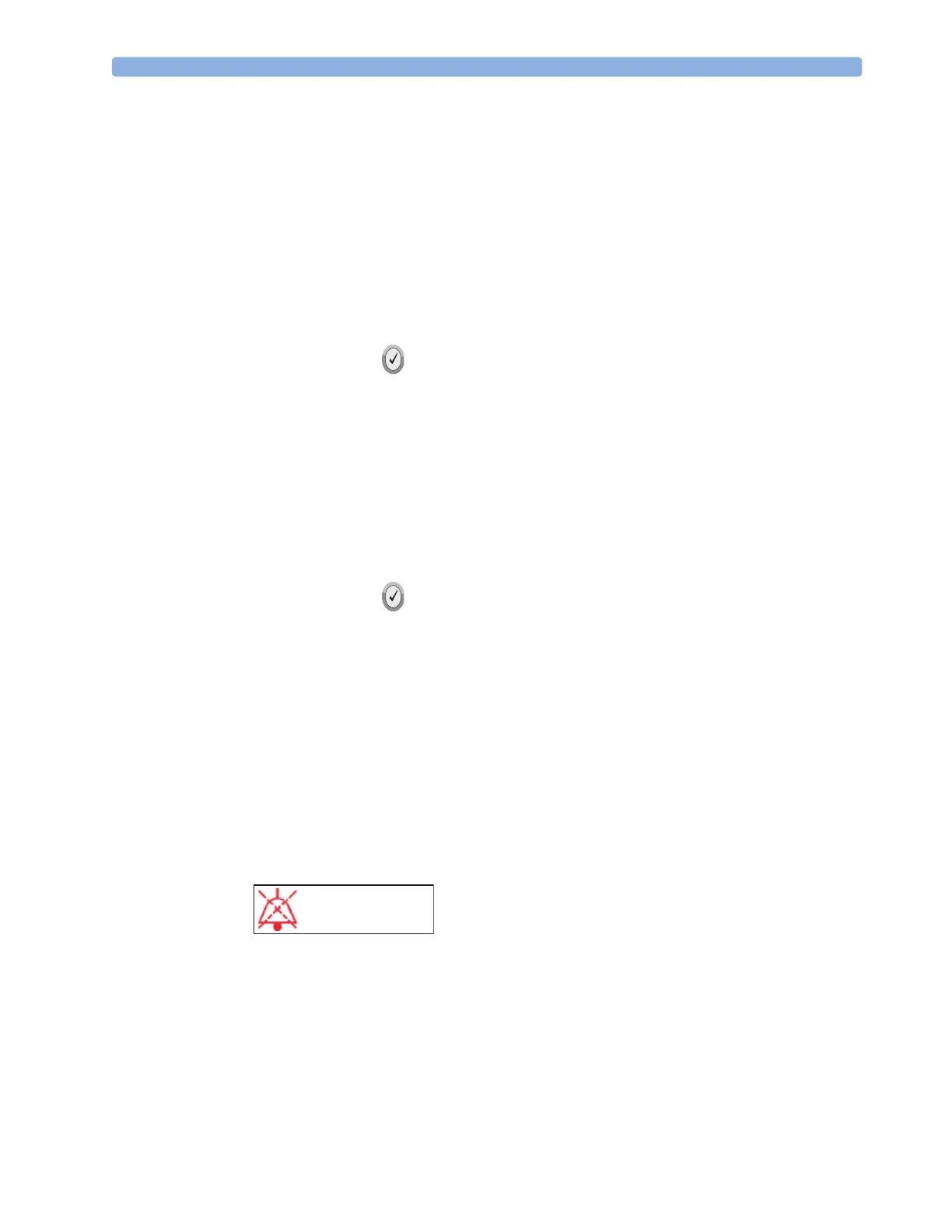
When an alarm is announced, the audio pause label is presented above the Navigation and Menu
Select buttons. Pressing any of these buttons temporarily silences the alarm audio while you are
attending to the patient. See Figure 38. Alarms will reannunciate if conditions exist for two minutes or
another alarm condition is generated.
Figure 38 Audio Pause Label
Then respond to the alarm condition on the HeartStart MRx. There are two ways to respond to an HR
or Arrhythmia alarm:
1 Acknowledge the alarm condition.
2 Adjust the limits using the New Limits menu.
AUDIO PAUSE


 To Next Page