Using AED Mode 5 Semi-Automated External Defibrillation
67
Using AED Mode
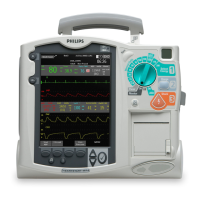
To operate the HeartStart MRx in AED Mode, follow these three basic steps:
1 Turn the Therapy Knob to AED.
2 Follow the voice and screen prompts.
3 Press the orange Shock button, if prompted.
These steps are described more fully in the sections that follow.
While operating in AED Mode, the capabilities of the device are limited to those essential to the
performance of semi-automated external defibrillation. Only the ECG acquired through pads is
displayed. Previously set alarms and scheduled measurements are indefinitely paused and entry of
patient information is disabled. Additionally, the Sync, Lead Select, and Alarm Pause buttons are
inactive.
Step 1 - Turn the Therapy Knob to AED
When the HeartStart MRx is turned on in AED Mode, it checks to see if the pads cable and
multifunction electrode pads are properly connected. If the:
• pads cable is not properly attached, you are prompted to "Connect Pads Cable".
• multifunction electrode pads are not connected to the pads cable, pads are not applied to the
patient, or pads are not making proper contact with the patient’s skin, you are prompted to "Apply
Pads" and "Plug in Connector".


 To Next Page