Startup and function
107065_en_01 PHOENIX CONTACT 21
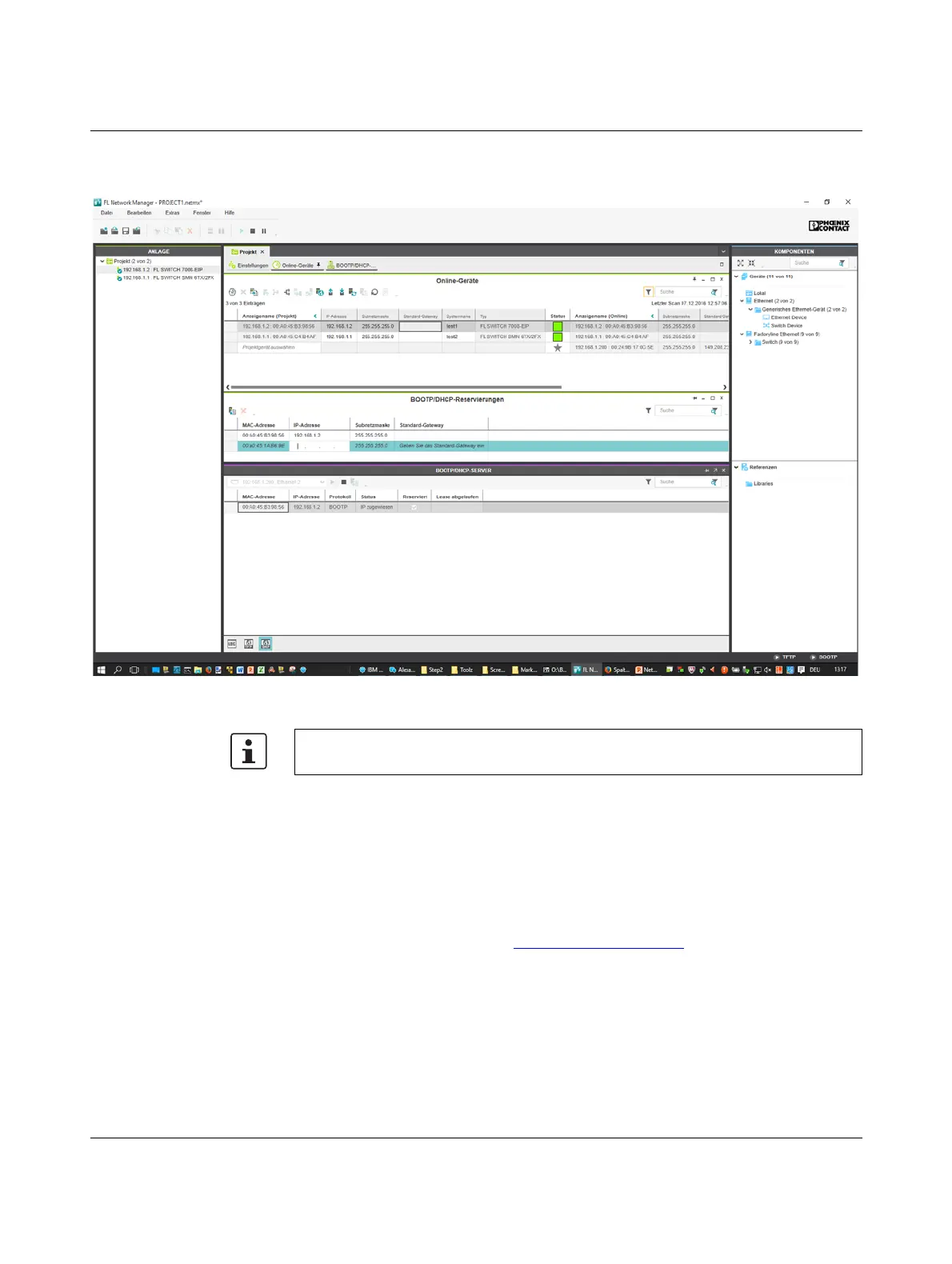
• You can check whether IP address assignment was successful in the
“IP address” column in the BOOTP/DHCP SERVER window.
Figure 3-3 FL Network Manager with BootP/DHCP reservation list displayed
3.3.2 Assigning the IP address using IPAssign.exe
Requirements
The device is connected to a computer with a Microsoft Windows operating system.
Step 1: downloading and executing the program
• On the Internet, select the link phoenixcontact.net/catalog.
• Follow further instructions in order to access the search field.
• Enter order number 2702323 in the search field, for example.
The BootP IP addressing tool can be found among the various product-related downloads.
• Double-click on the “IPAssign.exe” file.
• In the window that opens, click on the “Run” button.
If required, the IP parameters set here can be changed in web-based management (see
“Requirements for the use of WBM” on page 27).







 To Next Page