Title Service Manual, LPCR2 Page
Service Product Drawing
3323299
B
Released State Date 11/14/2017
7000545 Revision A
ASSY, LID, LOCALIZED, TRAINER, LPCR2, FRENCH
ASSY, LID, LOCALIZED, TRAINER, LPCR2, DUTCH
ASSY,LID,LOCALIZED,TRAINER,LPCR2,ES-SPAIN-LATAM
ASSY, LID, LOCALIZED, TRAINER, LPCR2, SWEDISH
ASSY, LID, LOCALIZED, TRAINER, LPCR2, DANISH
ASSY, LID, LOCALIZED, TRAINER, LPCR2, FINNSIH
ASSY, LID, LOCALIZED, TRAINER, LPCR2, NORWEGIAN
ASSY, LID, LOCALIZED, TRAINER, LPCR2, POLISH
ASSY,LID,LOCALIZED,TRAINER,LPCR2,ZH-TRADITIONAL
ASSY, LID, LOCALIZED, TRAINER, LPCR2, KOREAN
ASSY, LID, LOCALIZED, TRAINER, LPCR2, JAPANESE
Data Management Solution
LIFELINK and LIFENET account creation
All CR2 devices shipped to customers will be added to LIFELINK or LIFENET System from manufacturing. For
customers who already have a LIFENET account, the CR2 will be added to the customer’s LIFENET account. For
customers who do not have an existing LIFENET account, the CR2 will be added to the customer’s LIFELINK account.
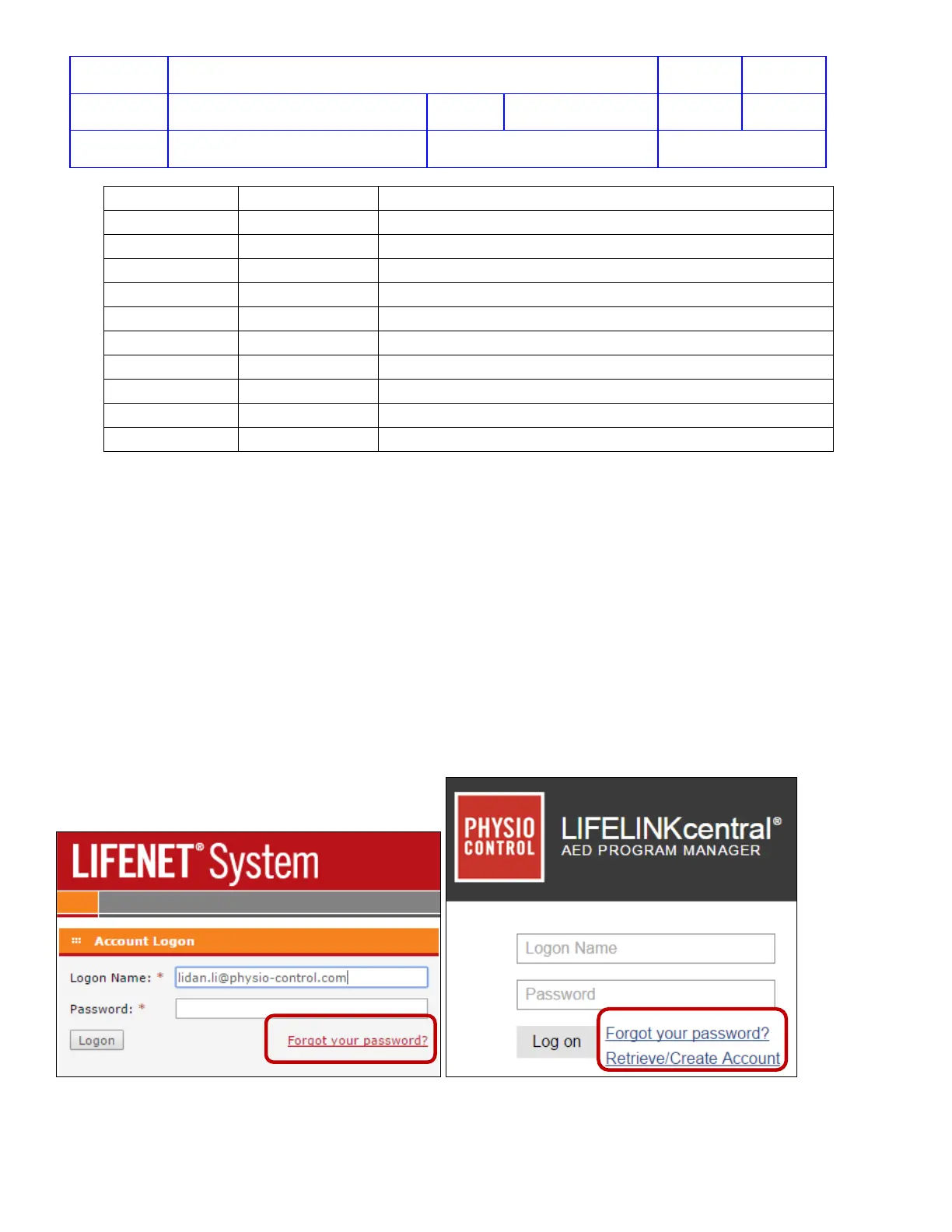
LIFELINK or LIFENET Password Reset
1. Click on “Forgot your password?” from LIFELINK or LIFENET website
2. Follow the onscreen steps to request a new password. A new password will be sent to the primary email
address listed in the user profile.
3. From the email, click on the link to reset the password.












 To Next Page