Title Service Manual, LPCR2 Page
Service Product Drawing
3323299
B
Released State Date 11/14/2017
7000545 Revision A
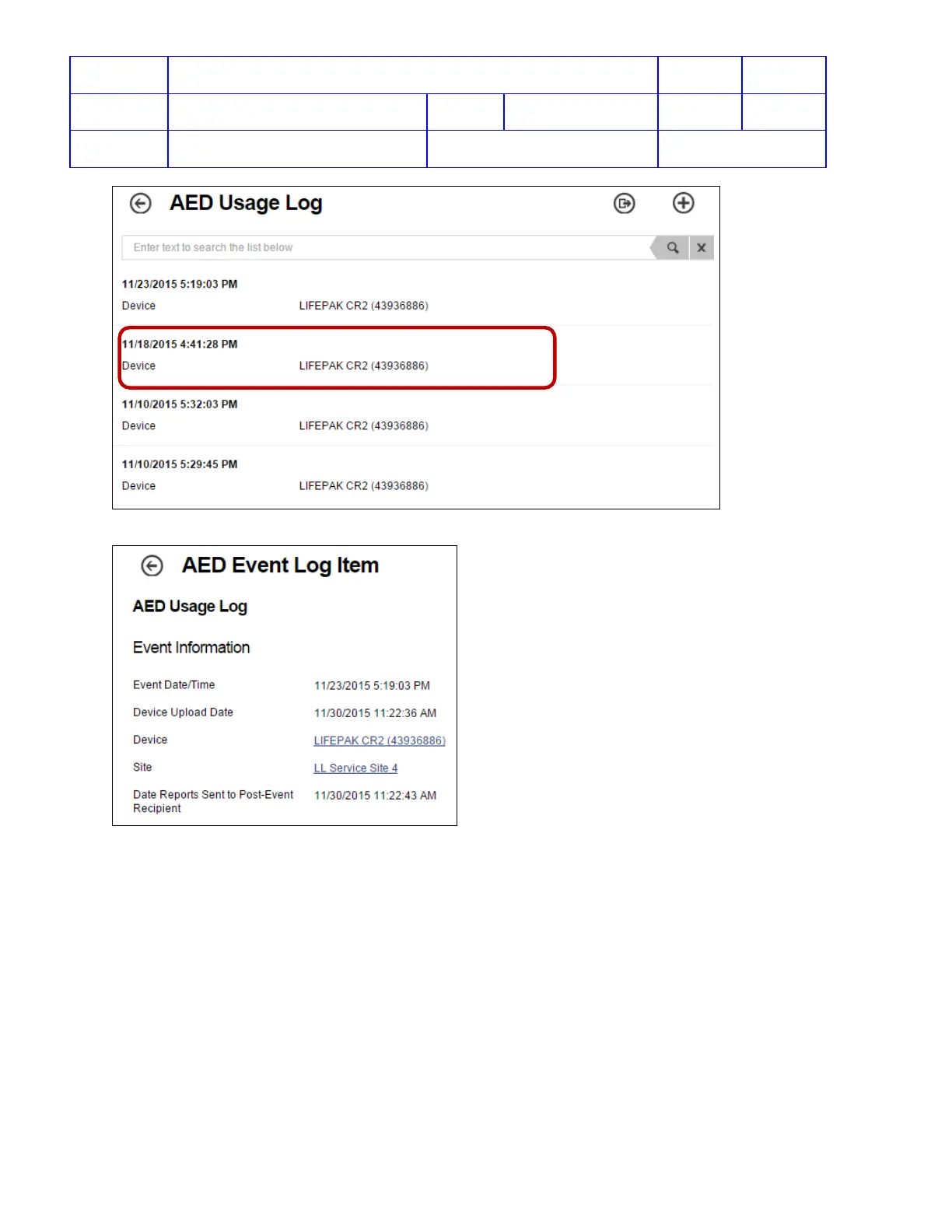
4. The AED Event Log Item window shows the Event detail for date, time, SN, and Site Name.
View WCT Log
Overview: When the CR2 cannot connect to LIFELINK of LIFENET, there is a communication log in the WCT which
will provide service more information for troubleshooting connection errors.
To View a device communication log from WCT:
1. Launch Wi-Fi Configuration Tool. (Click Start -> type “Wi-Fi” in the search bar -> select Wi-Fi Configuration
Tool.)
2. Use LIFELINK or LIFENET login credential to login
3. When following screen appears, following the onscreen steps












 To Next Page