Title Service Manual, LPCR2 Page
Service Product Drawing
3323299
B
Released State Date 11/14/2017
7000545 Revision A
Kit, Replacement Battery LPCR2
Replacement Electrode Kit (Leonhard Lang)
Kit, Replacement, Lid, LPCR2
Kit, Replacement, Handle, LPCR2
Kit, Replacement, Case, Carry, LPCR2
Cable, USB 2.0 A Male to Micro-B, L 5.5FT
TAG,LOCAL EMERGENCY CONTACT NUMBER,911,MULTI
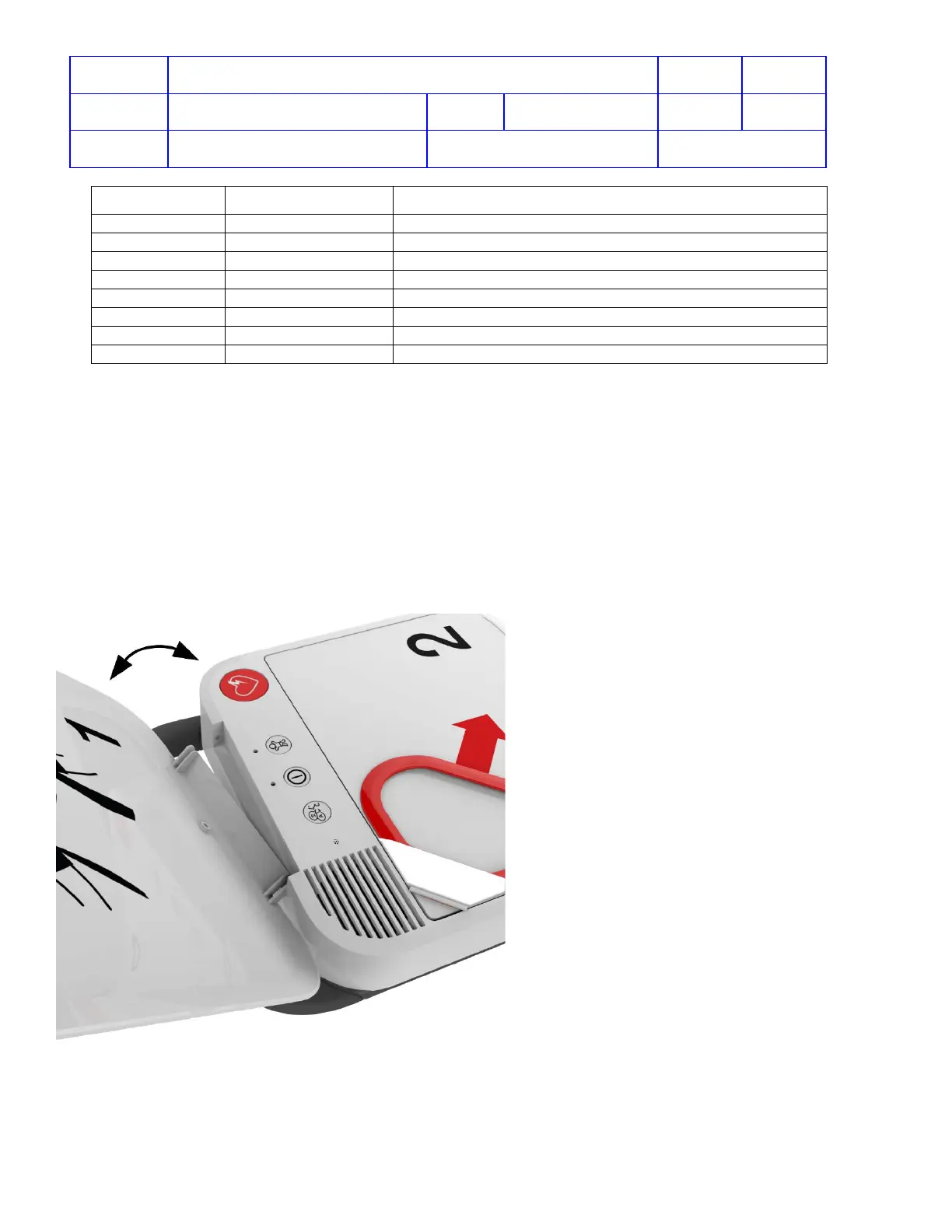
Lid Replacement
To replace the Lid:
1. Remove the battery from the device
2. Open the lid.
3. Push in one end of lid hinge to release the lid from the case.
4. Insert one end of the new lid into the small hole and push in the other end of the lid and snap into the place
5. Close the lid.
6. Insert the battery.
7. Open the lid (voice prompts will begin)
8. Close the lid to verify the readiness light is flashing in green every six seconds.












 To Next Page