Title Service Manual, LPCR2 Page
Service Product Drawing
3323299
B
Released State Date 11/14/2017
7000545 Revision A
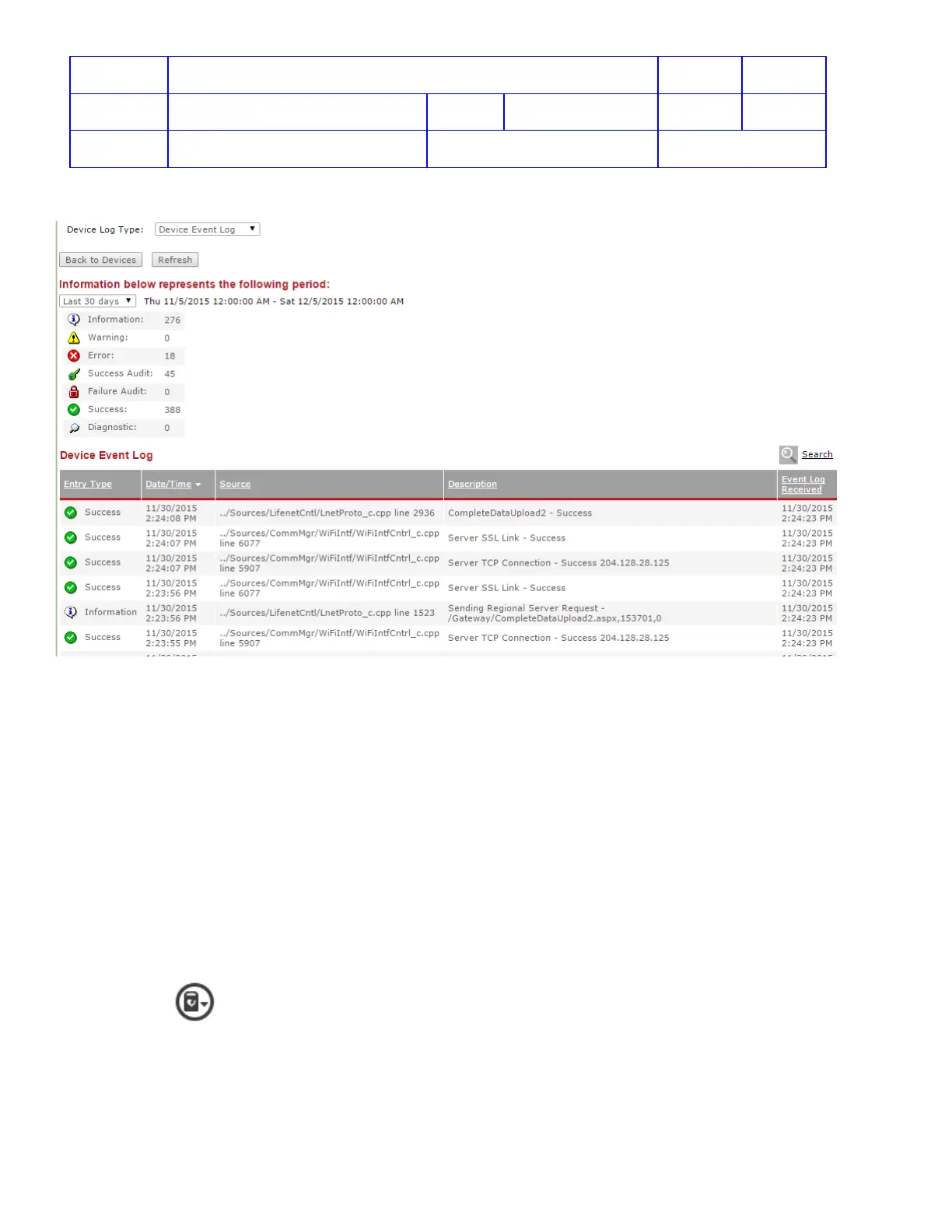
4. Device Event Log - Details of various device events (such as results of data transmissions, transmission errors,
and warnings).
View Log from LIFELINK
View Device Log:
For connected LIFEPAK CR2 devices, the Device Log can be viewed from the LIFELINK website.
1. Test Log – provides information about internal tests that are automatically run on the device including test
type, test results, and fault codes. This information is primarily used by Physio-Control Technical Support for
troubleshooting. However, it can also be viewed by Program Coordinators, Site Coordinators, and AED
Inspectors.
2. Battery Log – Battery status, only Physio-Control ASR can view this log
3. Shock Log – device shock history, only Physio-Control ASR can view this log
To view a Device Log:
1. On the main menu, click Equipment.
2. Point and highlight a device, and then click to open the Equipment view.
3. Click on
to view Device Log.












 To Next Page