Title Service Manual, LPCR2 Page
Service Product Drawing
3323299
B
Released State Date 11/14/2017
7000545 Revision A
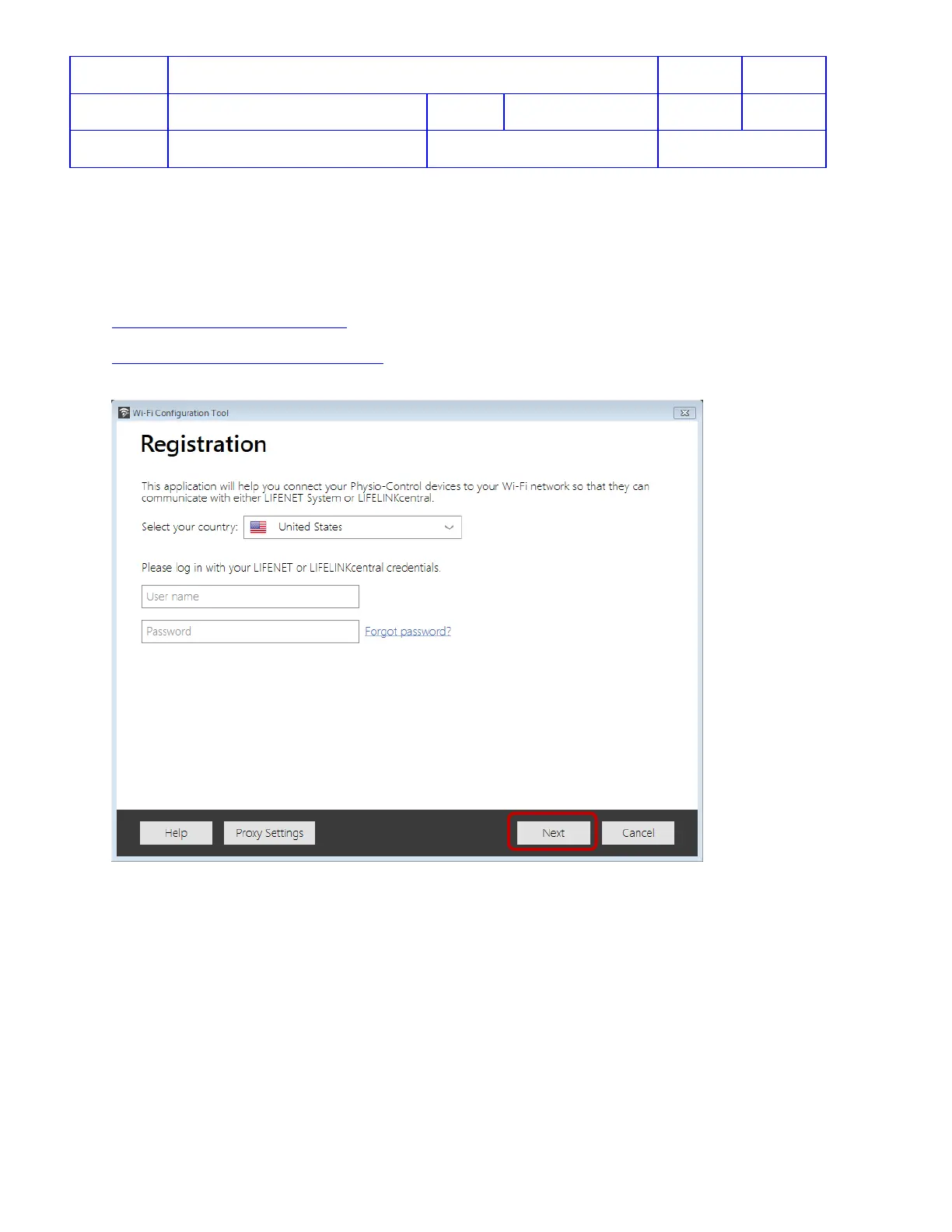
This Wi-Fi Configuration Tool is intended to reach LIFENET product servers. When using this tool to test
connectivity in LIFELINK or LIFENET test server, you must enter the test server URL in the tool. To do so, in
the country field, select United States and then press Ctrl + F10. This should pop-up an input box where you
can type in the test server URL.
Example of test servers:
https://demo1.lifenetsystems.com/
https://physio-dev2.lifenetsystems.com/
3. If a Proxy service is in place for the computer Wi-Fi network, click Proxy Settings. Otherwise, click Next and
continue on step 5.












 To Next Page