Title Service Manual, LPCR2 Page
Service Product Drawing
3323299
B
Released State Date 11/14/2017
7000545 Revision A
Steps:
1. If LIFENET Device Agent has been download to the computer before, skip to Step 4
2. To download LIFENET Device Agent, login to LIFELINK -> Resource Center -> Connection Tools -> LIFENET
Device Agent -> and click on
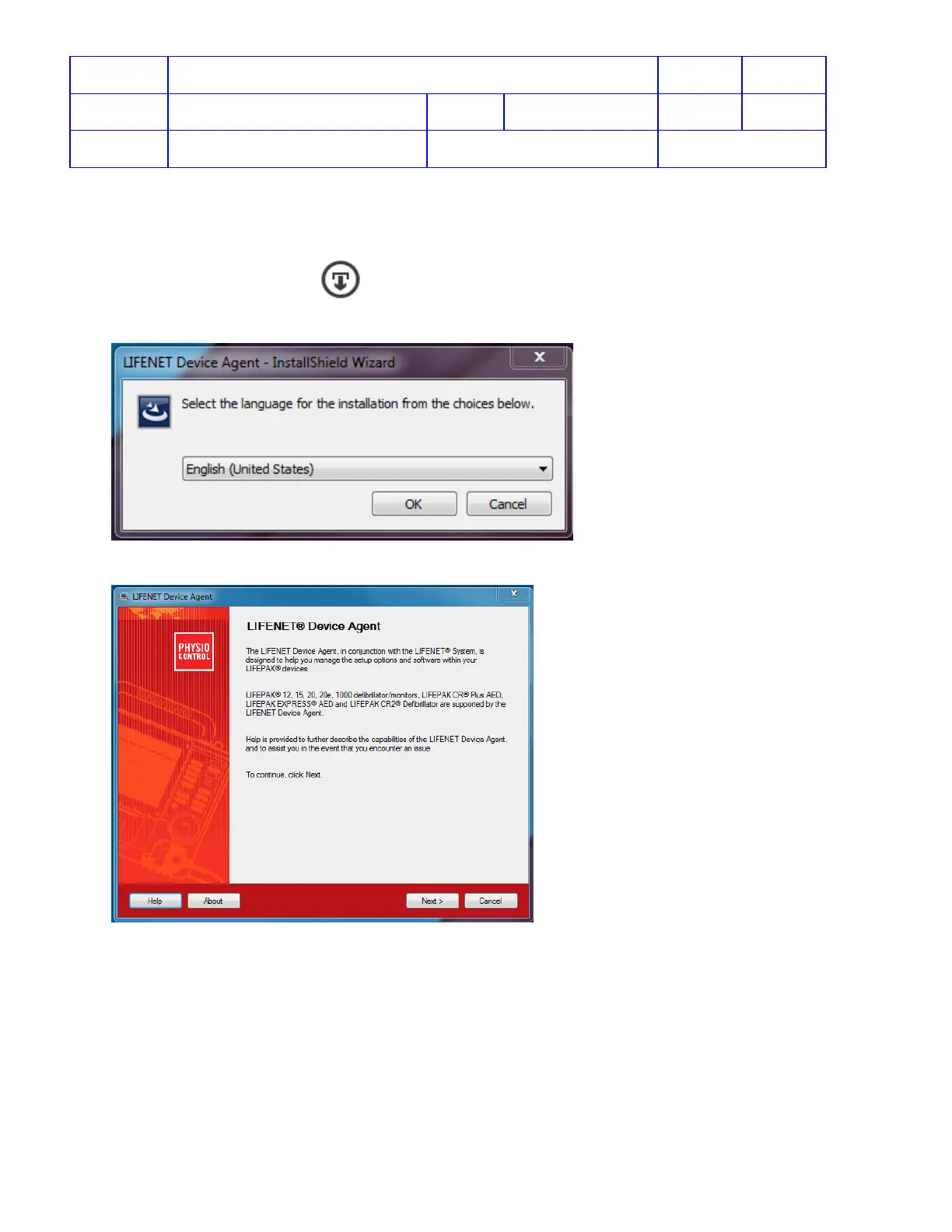
3. Launch LIFENET Device Agent installation software, LDA.#.#.#.###_Setup.exe, and follow the steps
onscreen to finish installing LIFENET Device Agent
4. To apply Setup Options or software update to CR2, Start LIFENET Device Agent from your computer.
5. Select the country at first time using LDA and login to LIFELINK or LIFENET to register LDA version.












 To Next Page