8.4
Appendices
Pinnacle Operators Manual
Pickering Laboratories Inc.
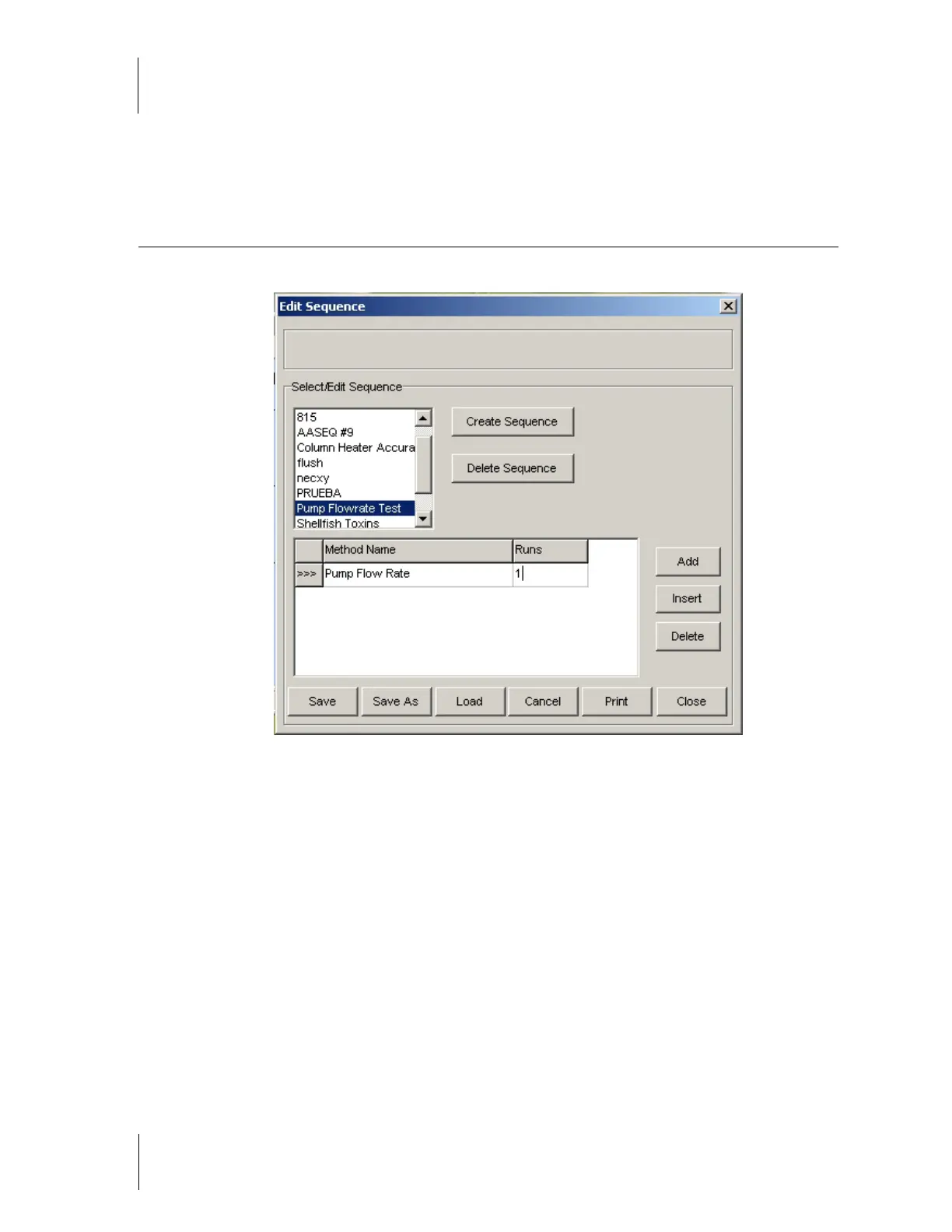
5.1.8 Create a sequence to run the method in Step 5.1.7 once.
5.1.9 Save, and then load this sequence. Enable the instrument by selecting Enable under the
Control menu. Once the Pinnacle is enabled, refill the pumps by selecting Refill Pumps under the
Control menu.
5.1.10 Now start the sequence by selecting Start Sequence under the Sequence menu.
5.1.11 Allow a few minutes for the pump pressure to stabilize before recording a flow-rate reading. The
specifications for flow-rate accuracy are on the Installation / Operational Qualification of the
Pinnacle PCX Data Sheet, Section 8.8 of the Operators Manual for the Pinnacle PCX.
5.1.12 Repeat steps 5.1.7 through 5.1.11 for Pump 2. Make sure to program the flowrate of Pump 2 to
1.0ml/min and change the flowrate of Pump 1 to 0ml/min. If you have a single pump system,
proceed to the next step.
5.2 Column Heater Accuracy
5.2.1 Place a temperature probe or thermocouple inside of the column heater. Make sure the probe
or thermocouple is not touching the metal sides or the column door. The probe or
thermocouple must be measuring the temperature of the air inside the column heater.
5.2.2 Close the column heater door.



 To Next Page