System
36
Information about automatic registration via RailComPlus
®
:
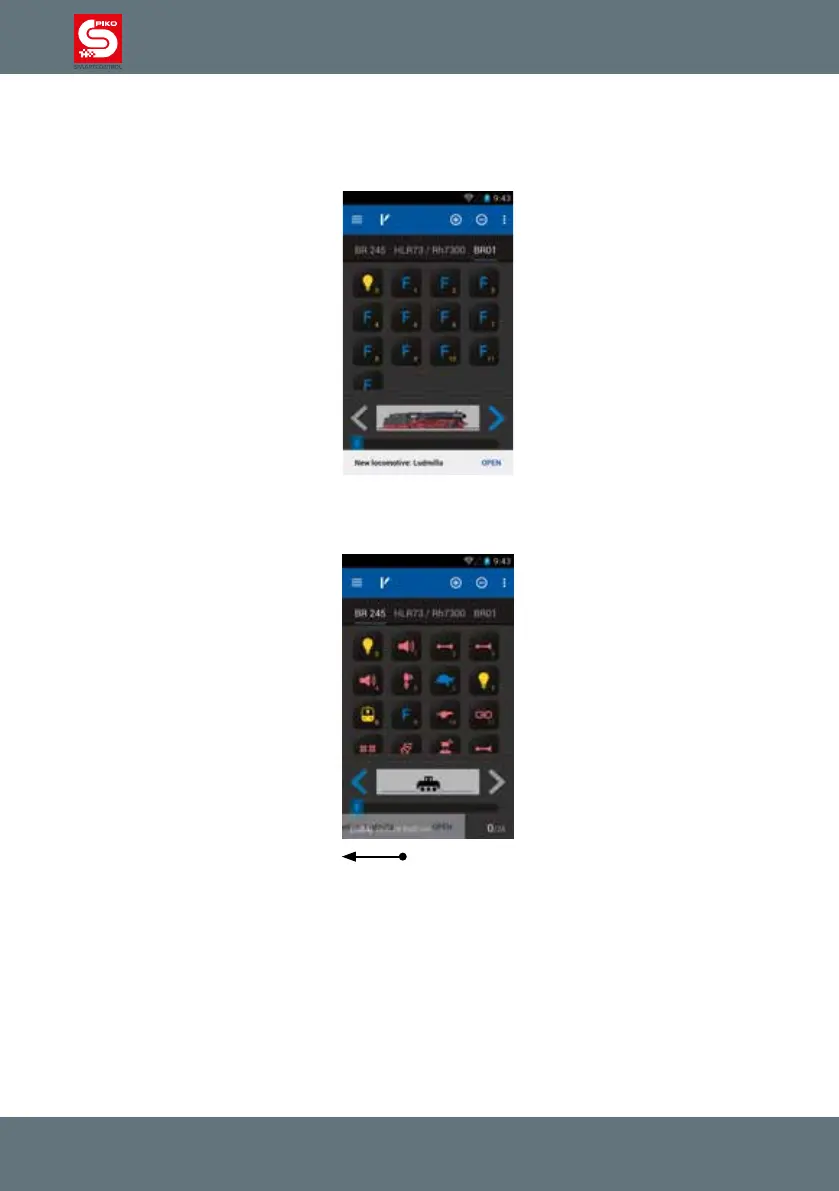
As soon as you place a RailComPlus
®
locomotive on the track it will automatically register. A notication
will be shown on the display in that case. By pressing “open” this locomotive will be added to the
control panel as the currently active locomotive.
If you do not wish to use the newly registered RailComPlus
®
locomotive right away, you can swipe
away the RailComPlus
®
information or just wait for about 10 seconds for it to disappear.



 To Next Page