System
32
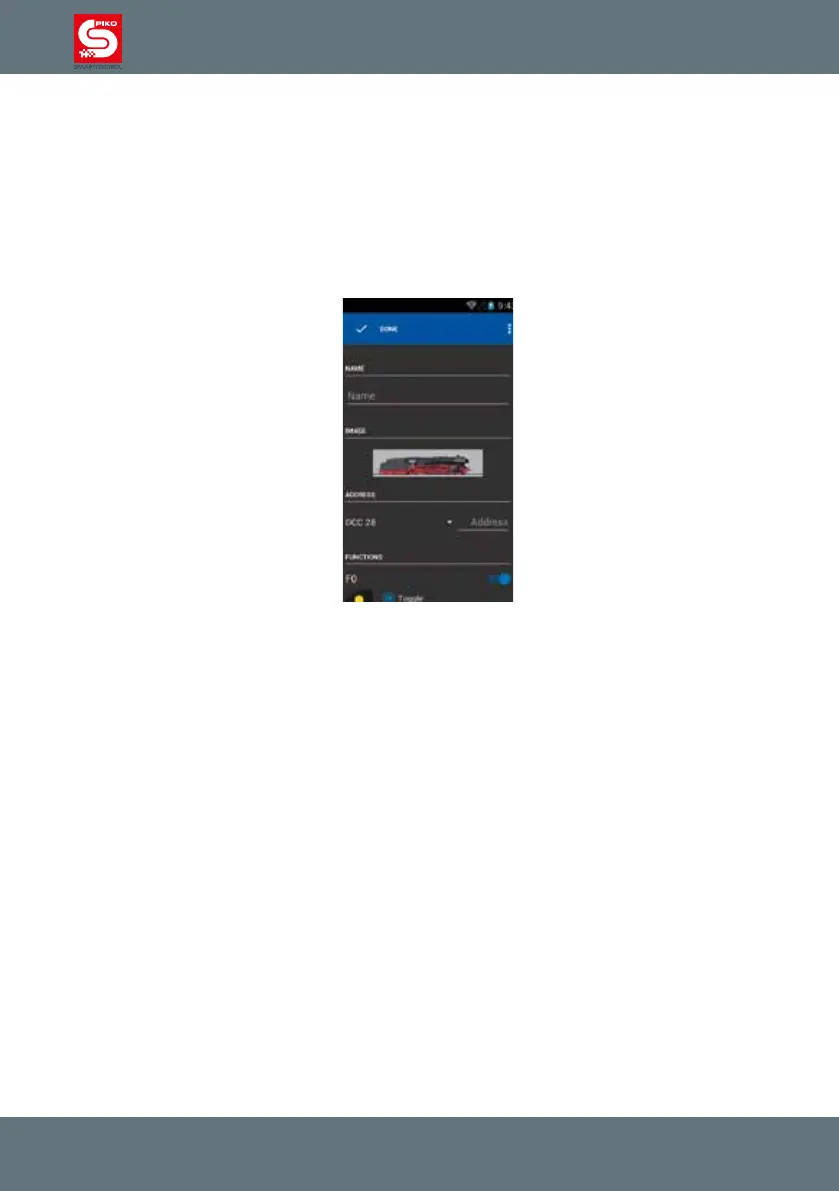
4.2.2 Create new locomotive
This menu is similar to „edit locomotive“. You can use the preset settings for the new loco, you only
have to enter a name and an address for the loco (so that it an be clearly identied in the control
panel). Once you nished editing you will be automatically redirected to the control panel with the newly
created locomotive active.
Notice:
Locomotives which connected automatically via RailComPlus don’t need to be edited manually. Usually
they will tell the command station their name, address and functions.
Control panel – „plus“ and „minus“ symbols
On top of the control panel are the “plus” and “minus” buttons.
They will add or remove locos in the control panel.
By pressing „minus“ a currently selected and underlined loco will be removed from the control panel.
By pressing “plus” you will be redirected to a list of currently available locomotives.
If you touch a loco in this menu it will be automatically added to the control panel and set as currently
active locomotive.
In the locomotive list you also can easily create a new locomotive. Just touch the menu-button in the
top right corner and choose “create locomotive”, which will redirect you to the “create locomotive”
menu.



 To Next Page