55
6. Overview of the Android operating system
The Android smartphone operating system was rst released by Google in 2008. It focusses on an
easy-to-use and intuitive user surface.
This is achieved by the combination of elegant software and select hardware-components like the
capacitive touch-display or the function buttons along the side.
The user interface can be reduced to three main levels:
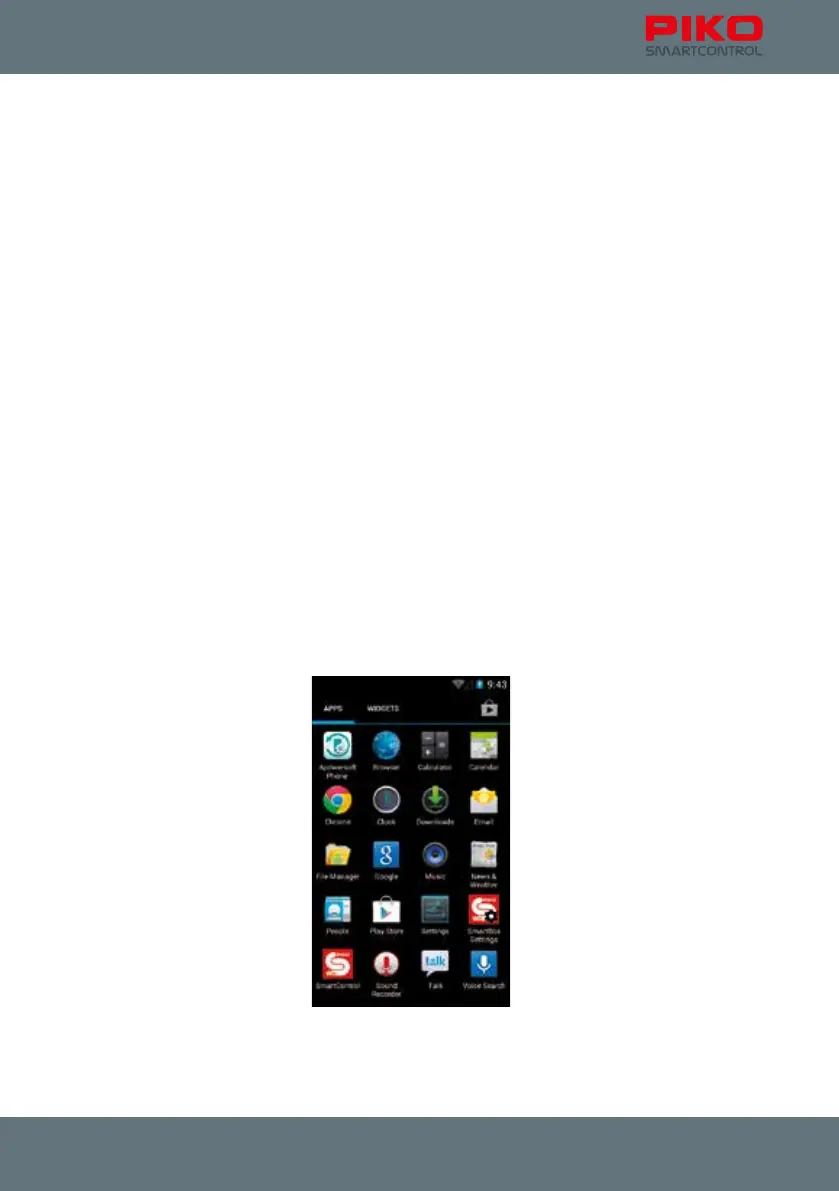
The so called home screen, the status bar and the main menu.
On the home screen, which serves more or less the same purpose as the desktop on a PC, you can
nd links to different applications, the so called “apps”. On the PIKO SmartControl
®
this home screen is
separated into ve screens, which you can switch between by side swiping with your nger.
After starting your device this is the screen you will see initially.
The status bar (also called notication bar) gives you quick information about the current system status,
for example the remaining battery charge or the USB connections.
It is a small black bar with a grey line on top of the screen. Don’t worry if your screen suddenly turned
black and only shows small symbols on top – you may just have opened the status bar. Just touch the
grey line and swipe it back to the top (or press the back button).
The main menu can be accessed via the home screen, by pressing the menu-symbol (6 dots in a
circle) at the lower middle of the display.
Here you can nd an overview of all installed Apps. Some are standard apps from Google, and others
you might have installed yourself.
From here you can also access the settings menu.



 To Next Page