37
4.3 The switch panel
The switch panel allows you to add as many accessories and switches as you want, more than 16,000
in total.
The top menu bar is similar to the control panel, only the switch symbol has changed to a loco symbol.
You can toggle back to the control panel by pressing the loco symbol.
Other menus in the switch panel
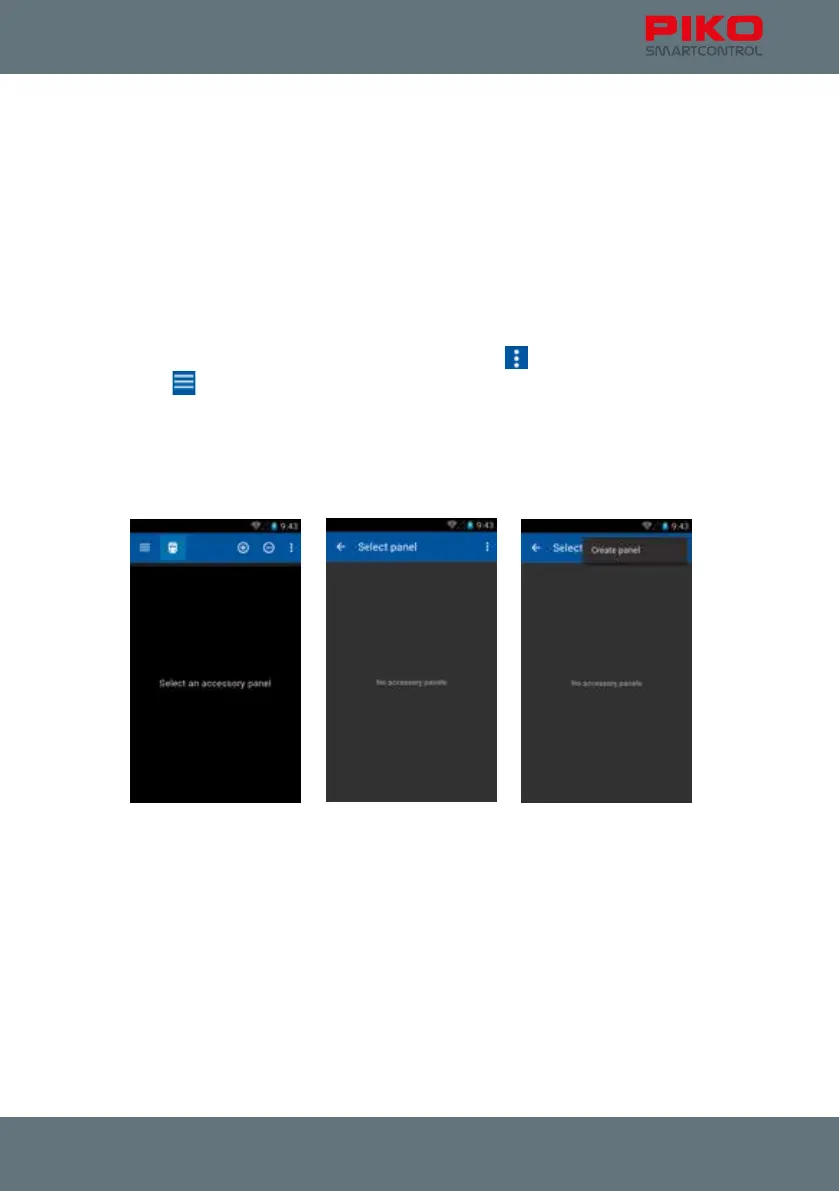
If you go to the switch panel for the rst time, you will be asked to select a panel rst.
As there is none yet you have to create one rst.
4.3.1 Create new switch panel
On the next screen press the menu-button in the top right corner
or the hardware menu-button
below the display
and choose the option “create new panel”.
On the next page you can enter a name and choose the items to be added to the panel.
At rst, please enter a name, e.g. “panel 1”. Conrm this name on the keyboard.
Now touch an empty slot to add an item. As there are no items yet, the next page will be the “items list”.



 To Next Page