65
8.2 Android menus and features
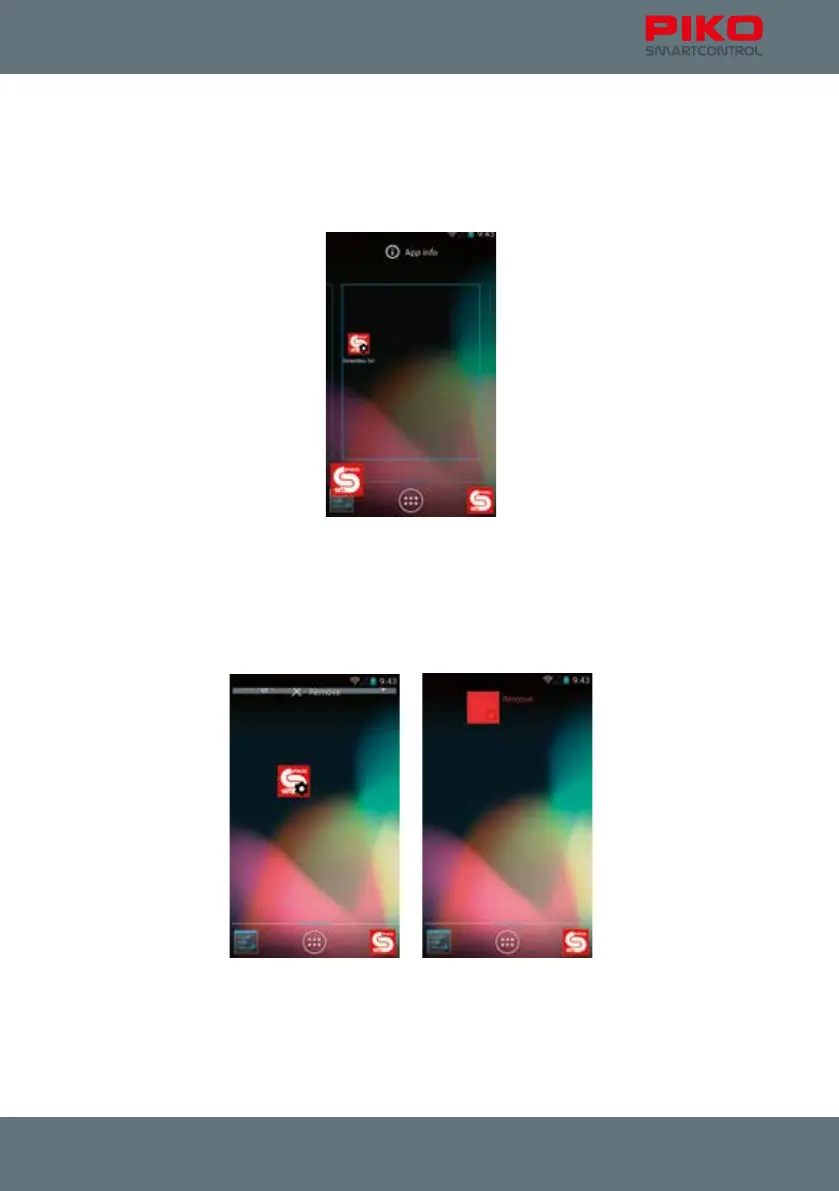
You can create links on the home screen for all installed apps.
Just enter the main menu where you can nd all installed apps. Press and hold the app of your choice
until the display jumps back to the home screen. You can now create a link to your app at the desired
position on the home screen.
Deleting a link works similarly.
Just press and hold the app on the home screen until a trash bin appears at the top of your screen. The
text will change to red if you drag the app on top of it. Release the app once the label turns red. This
will delete the link from your home screen but not the app from your device. You can recreate that link
at any time.
If you wish to delete an app completely you have to use the “Apps” menu in the Android main menu.



 To Next Page