19
3.2 First Start of the PIKO SmartControl
®
System
Activating the PIKO SmartController
®
Turn on your device by holding the power-button for ca. 2 seconds. As soon as the status-LED is
blinking you can release the button. The device will boot for the rst start now (this may take up to one
minute).
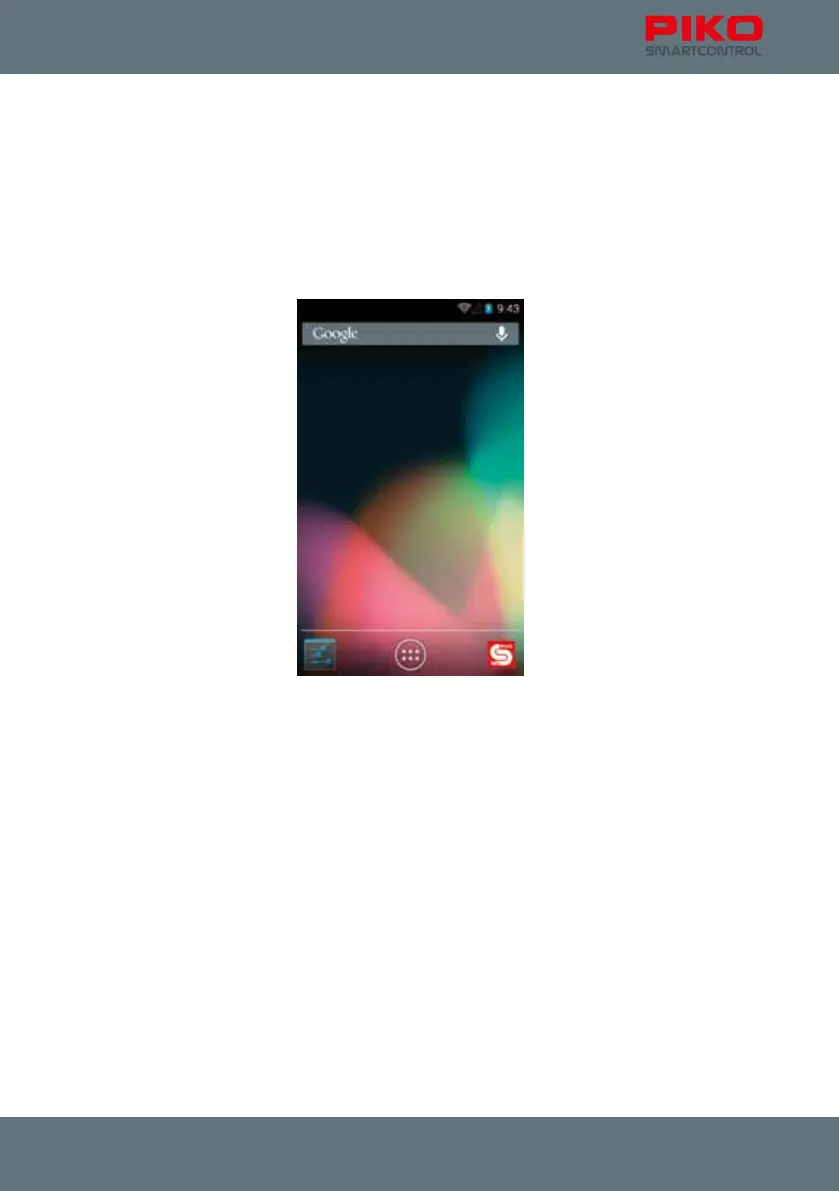
After the device has nished booting you will be automatically redirected to the Android home screen.
The home screen is the equivalent of the desktop on your computer.
Before you start playing we recommend you to take some time to setup your device.



 To Next Page