System
42
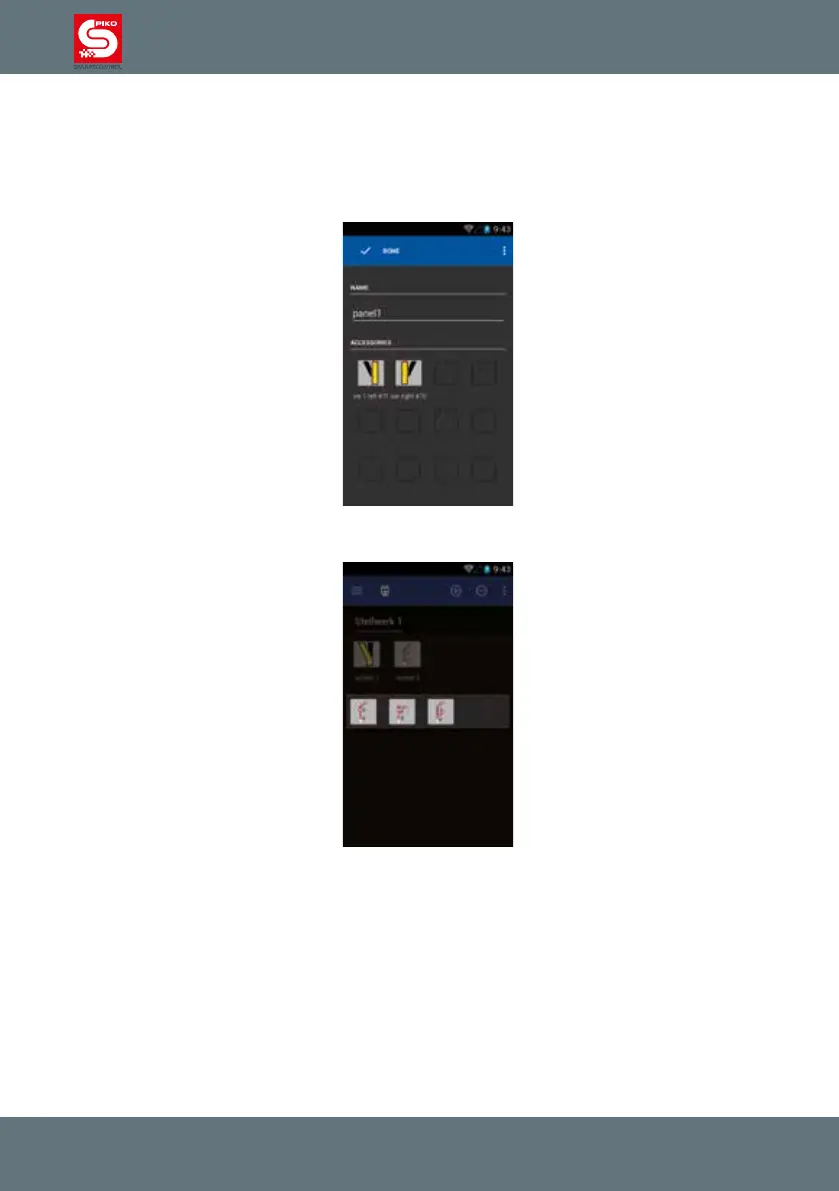
4.3.2 Control the switch panel
After creating a switch panel, you can easily control your accessories just by touching the related
symbol on the screen.
For items that only have two states, the symbol will change immediately.
For items with more than two states you have to select the desired state.
Please remember the accessory address scheme for items with more than two states described above.



 To Next Page