System
62
8. Detailed instructions for the PIKO SmartControl
®
App
Up to this point we just talked about the basic functions of your new PIKO SmartControl
®
system in
order to give you a quick start.
For those of you interested in more detail you will nd more information following, like tips for handling
and hidden features.
8.1 PIKO SmartControl
®
App
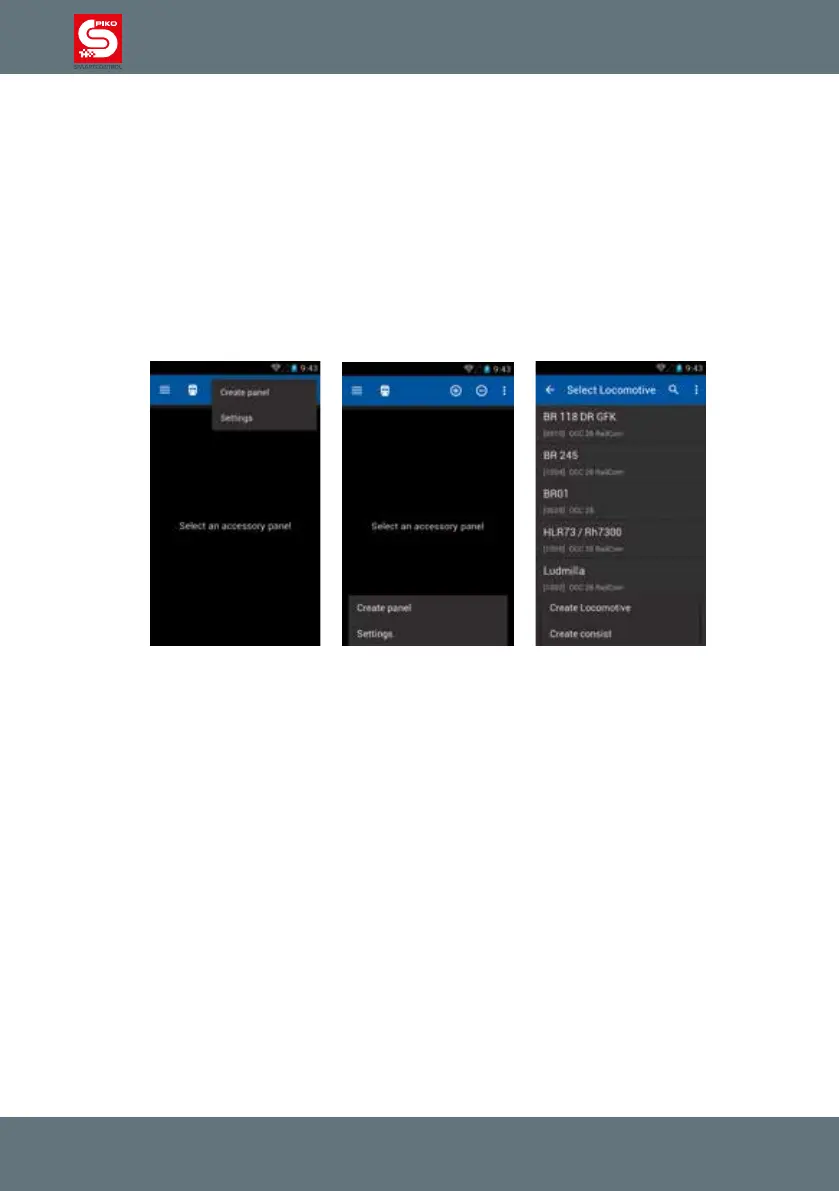
Menus will appear close to the menu button you pressed. If you press the menu button in the app
(three dots) the menu will appear at the top of the display. If you use the hardware menu button the
menu will appear at the bottom of the display.



 To Next Page