System
8
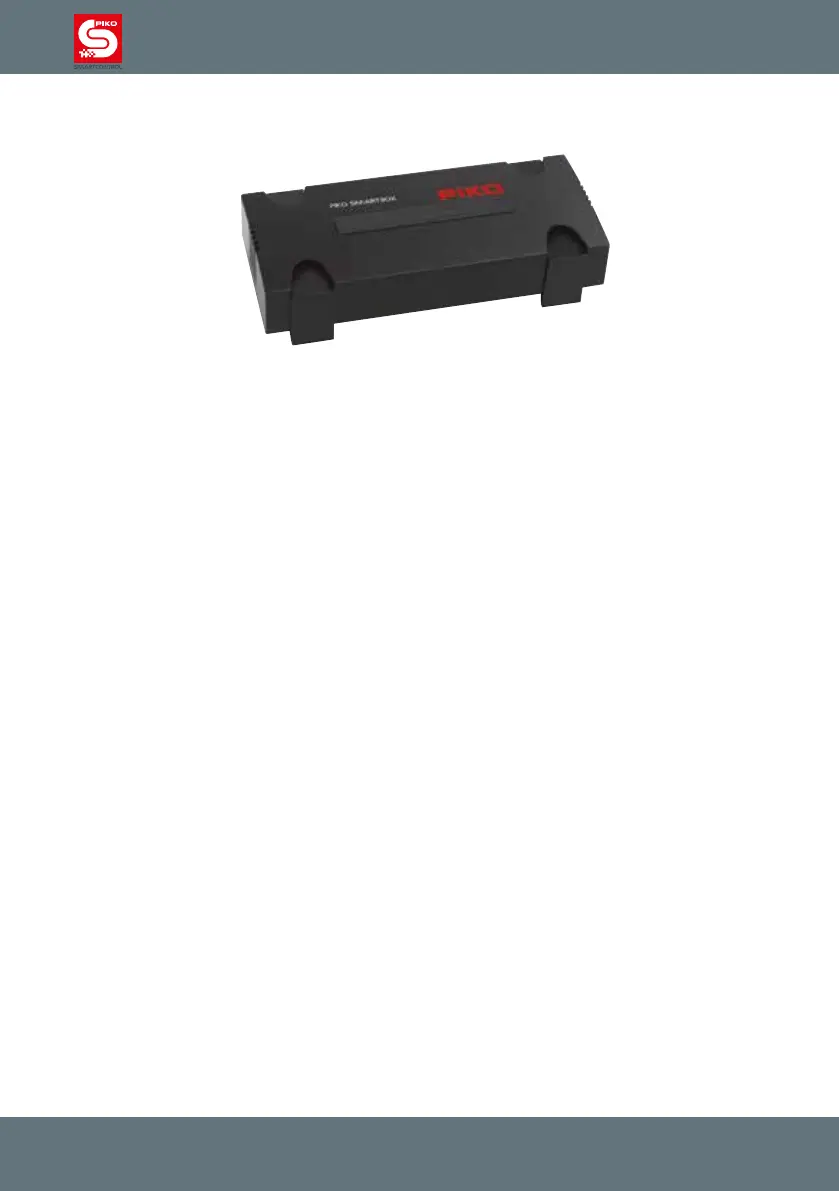
2.1. The new system’s brain: the PIKO SmartBox
®
The handheld PIKO SmartController
®
communicates with the PIKO SmartBox
®
via wireless LAN. The
SmartBox
®
connects to the track to supply both power and digital signals for trains and accessories. The
SmartBox
®
’s integrated 5A booster allows it to power even large layouts without problems.
Locomotives equipped with RailComPlus decoders will register automatically and will provide their
function key icons to the system. Thanks to RailComPlus, decoder settings can be modied on the main.
A separate programming track comes in handy when conguring other DCC-compliant decoders without
RailComPlus support.
For expanding layouts, additional boosters and occupancy detectors can be connected to the PIKO
SmartBox
®
without difculty. A PC running model railroad software can be connected to the system via
wired or wireless LAN. Multiple PIKO SmartControl
®
handsets can be used simultaneously with a single
PIKO SmartBox
®
.
If so desired, the PIKO SmartBox
®
can be integrated into your home network. This will make installing
updates especially easy.
All locos with RailCom Plus
®
supported decoders will be registrated automatically with their name, adress
and available functions. A seperate programming track helps to easily setup old decoders. By the help of
RailComPlus
®
it’s also possible to modify decoder setups on the main track.
The PIKO SmartBox
®
communicates with the PIKO SmartControl
®
over WiFi. The devices will connect
automatically. No further setups or downloads have to be done, no further equipment is required: All
necessary equipment is already included in the PIKO Premium Train Sets.
Attention:
For technical reasons only one PIKO SmartBox
®
can be used within WiFi range. You cannot
use two PIKO SmartBoxes
®
in the same room.
For using two PIKO SmartBoxes
®
with overlapping WiFi range please see chapter „5.3 /
additonal settings of the PIKO SmartBox
®
via the settings app”.



 To Next Page