53
5.5 Updating the PIKO SmartController
®
with a computer
Please download the PIKO SmartControl
®
Updater from:
www.piko-shop.de/?a=sc
Unpack the compressed le to a folder of your choice.
Start the installation by double-clicking on the le “SCUpdateSetup.exe”.
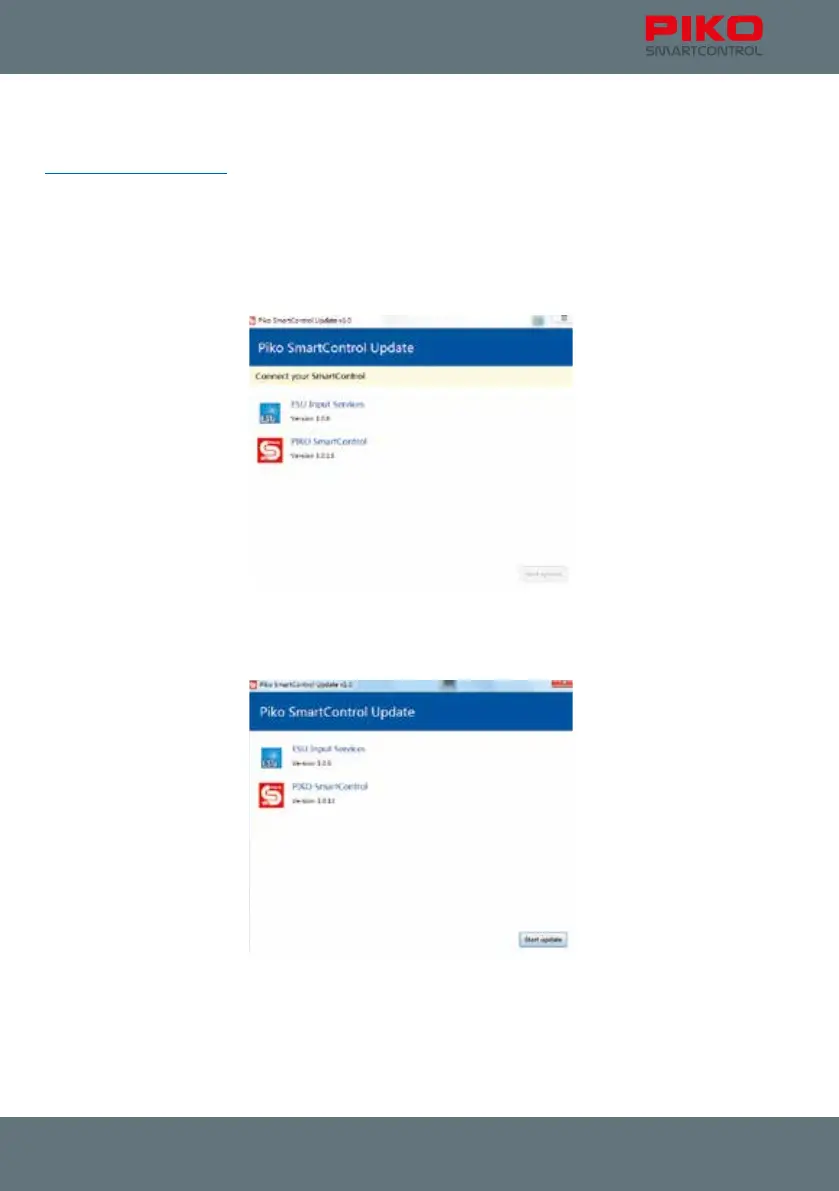
Follow the instructions on the screen and start the Updater after successful installation.
You will be asked to connect your PIKO SmartController
®
to your computer.
The Updater will register the PIKO SmartController
®
as soon as you connected it to the computer and
will enable the “Start Update” button (bottom right).



 To Next Page