System
54
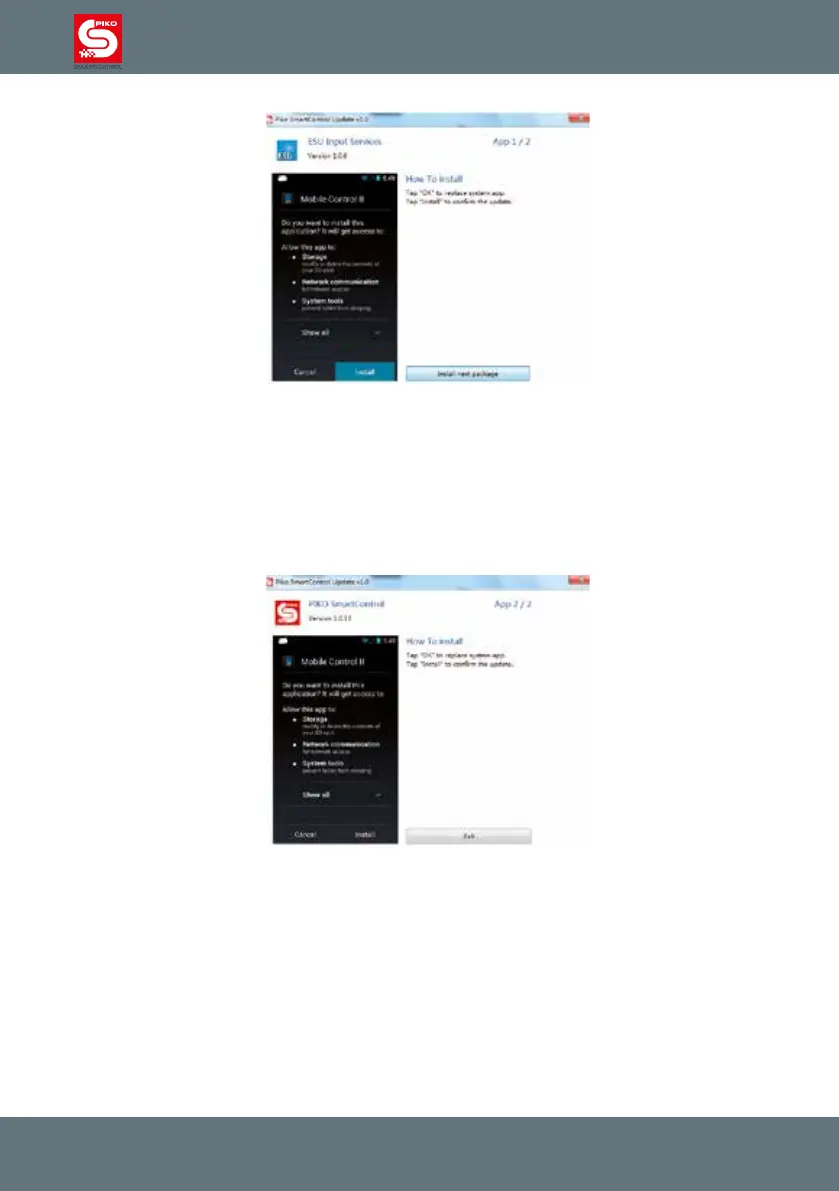
After you pressed the „Start Update“ button, the Android system of the PIKO SmartController
®
will ask
which program it should use to install the updates. Please choose “paket installer” and conrm with
“always”.
It is possible that a second update needs to be installed. Please follow the instructions of the
PIKO SmartControl
®
Updater to see whether this is necessary or not.
Once nished you can close the PIKO SmartControl
®
Updater and unplug your PIKO SmartController
®
.



 To Next Page