System
12
Attaching the Lanyard
In case you need free hands while playing, each PIKO SmartControl
®
comes with a lanyard. You can
easily t it to the desired hook of the PIKO SmartControl
®
and carry the SmartControl
®
around your
neck.
Your hands will be free and an accidental drop will be avoided.
A short description how to attach the lanyard can be found at the end of the manual.
Information about the Android operating system
You may already be familiar with Google’s “Android” operating system from your personal smartphone.
Getting used to the system will be easy, as the PIKO SmartControl
®
app can be used just like any other
Android-app.
For those of you who never have used a smartphone before – don’t be afraid! You can’t make any big
mistakes, most importantly, you can’t damage anything!
We provide a simple and easy to understand introduction in how to setup your devices in the section
“Getting started”.
See “Short introduction to Google’s Android operating system” at the end of the manual if you want to
learn more about Google’s Android operating system.
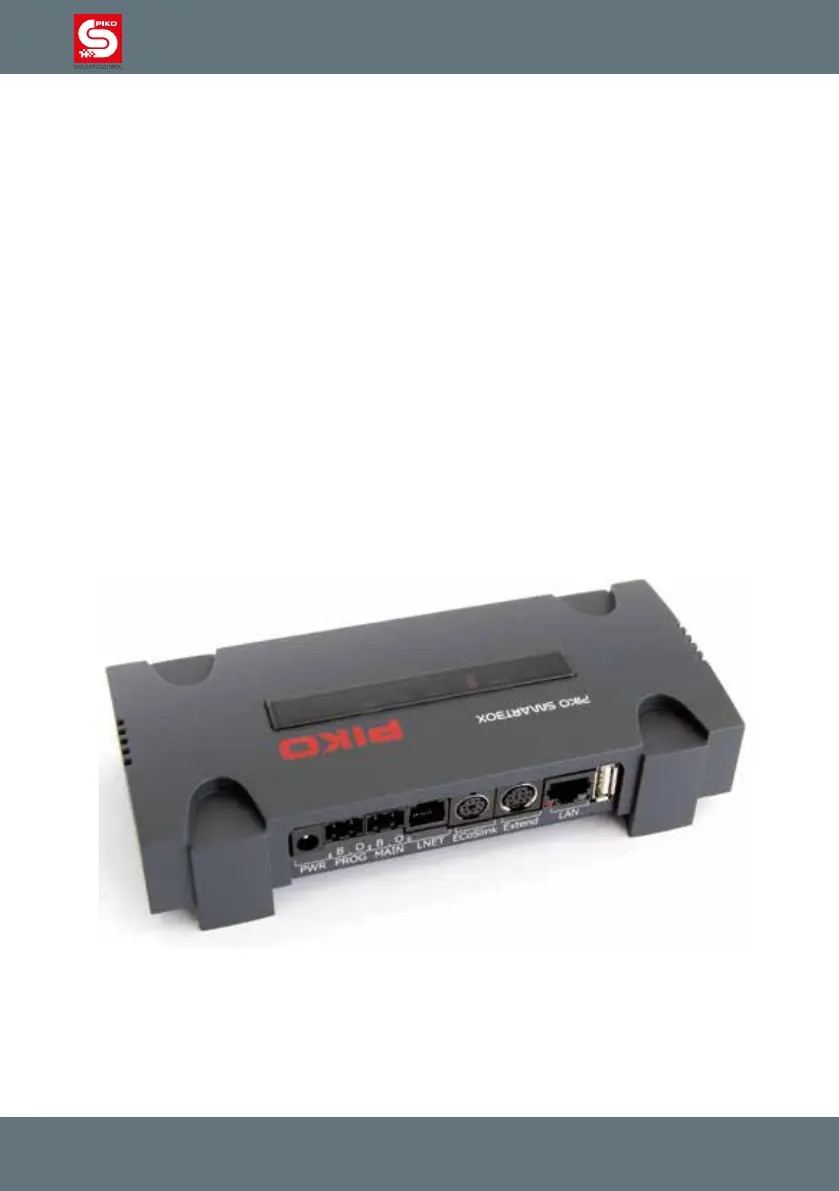
2.3 PIKO SmartBox
®



 To Next Page