35
Changing driving direction via the analog knob:
When using the analog knob, you have to manually stop the loco rst. If the loco has stopped just push
the knob a little bit into it’s end-position. The installed end-switch will “click” and change the direction of
travel.
Please note that a very quick “click” may not be recognized by the system. To be sure that the direction
has changed look at the locomotive’s lights or check the arrows on the display.
4.2.5 Switching between locos
If you already have added multiple locomotives to your list, there are multiple ways to switch between
them:
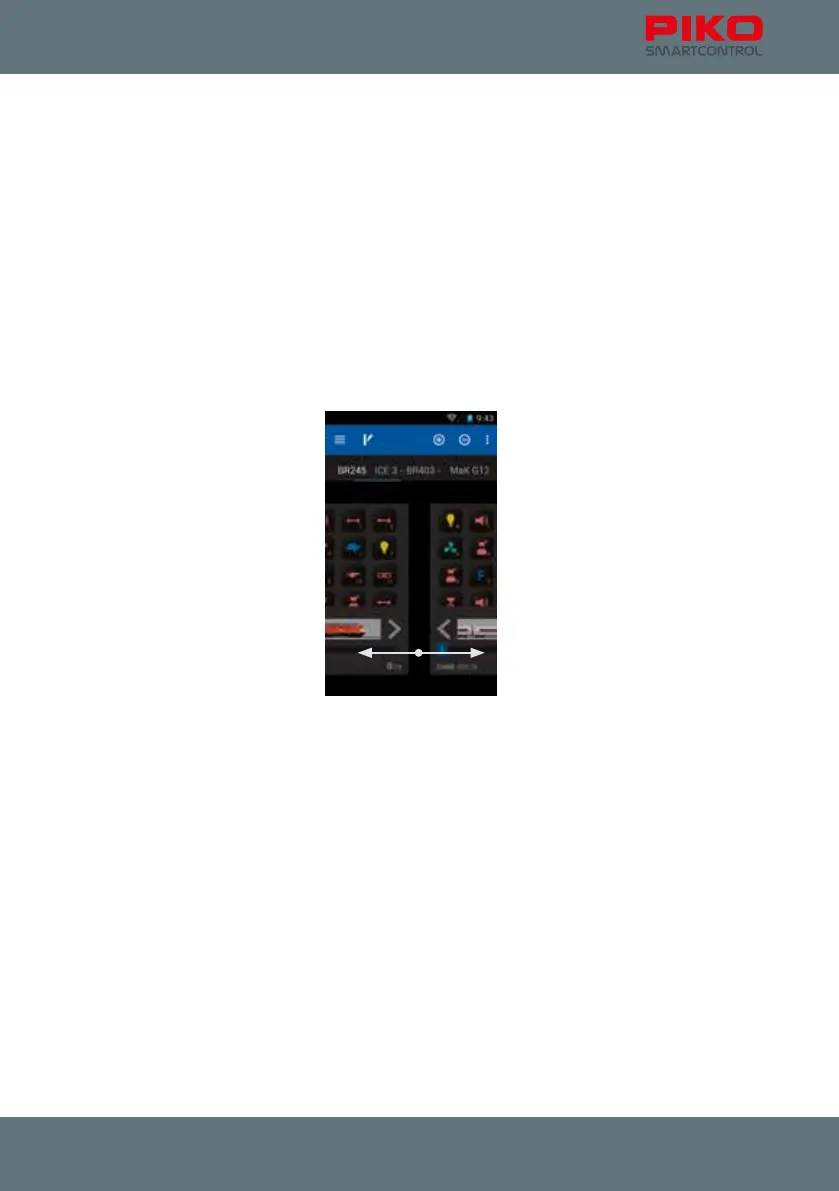
Swiping
Swipe over the display to switch to another loco. Just slide the active loco out of the way to get to the
next one.
Direct selection by tipping the name
If the locomotive’s name still can be read on the display you can select it directly (touch the name).
Select via locomotive list
To select locomotives that are either already in the control panel already or only in the locomotive list,
you can use the “plus”-symbol to open the locomotive list and select from all available locomotives



 To Next Page