System
58
7. Android-Tips
7.1 Display settings: Brightness and timeout
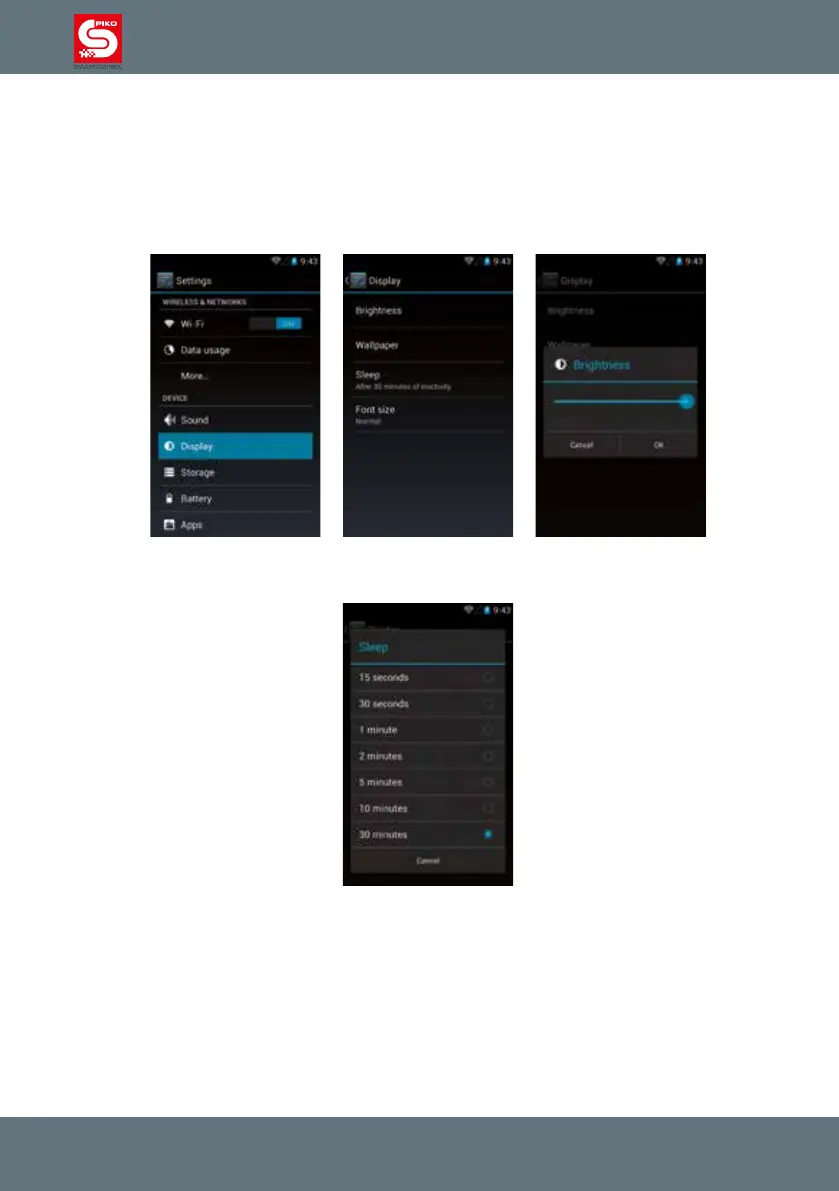
To change the brightness of the display, go to main menu -> settings -> display.
Touch brightness and a small window will open where you can set your desired brightness.
Please note that increasing brightness will reduce battery life.
The timeout is the time after which display will switch off automatically.
You can change it by touching “sleep” and choosing the desired timeout.



 To Next Page