41
Notice for items list:
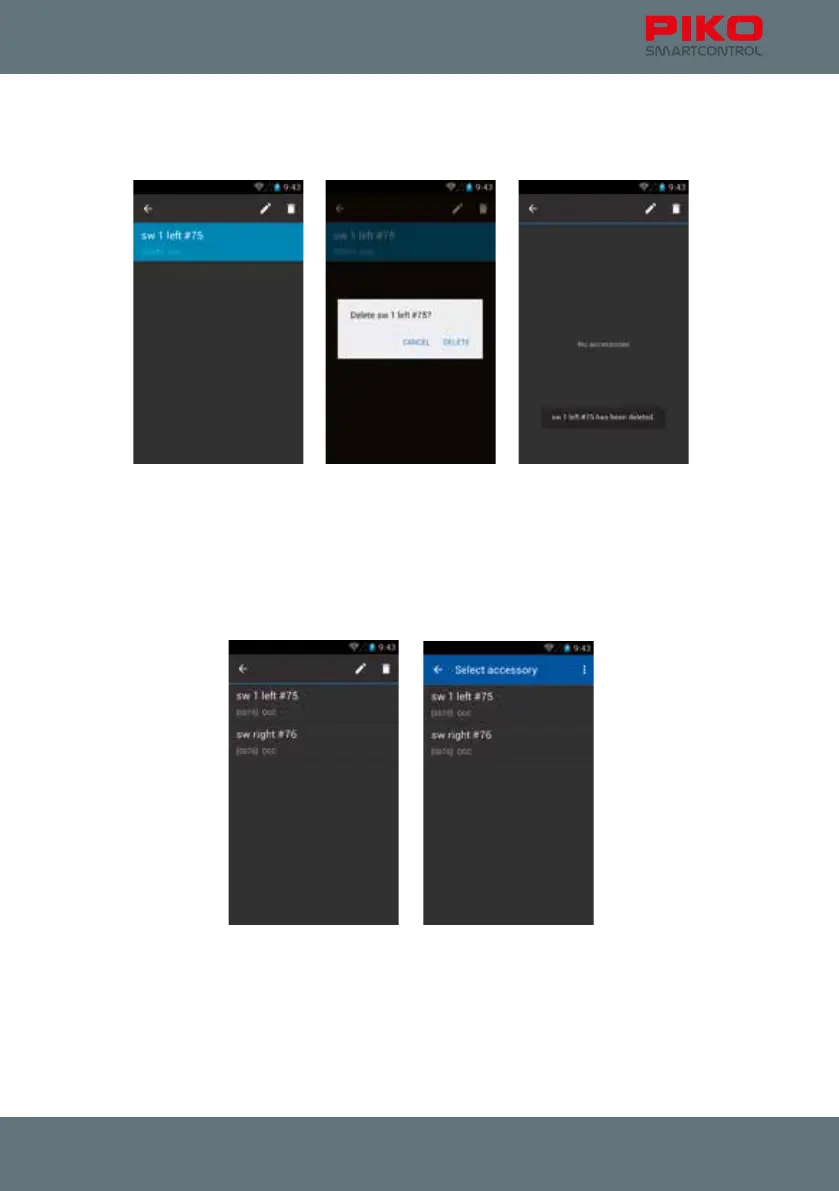
Just as the locomotive list the item list provides the standard Android menu. Just press an item a little
bit longer and the upper status bar will change. You will have the option to edit or delete items then.
By pressing „back „ (top left arrow) you will get back to the items list.
By pressing “edit “ (pencil) you will be redirected to the “edit item” menu.
If you want to delete an item you will be asked to conrm. After the item is deleted you will return to the
menu.
If you want to remove the status bar again, press “back” or use the hardware back-button.



 To Next Page