System
40
Notice for accessories: (logical system for addresses)
Items like signals, switches or other accessories which have more than one state require more than
one address (for example signals with 6 lamps).
Addresses are assigned as follows:
• enter an address for the base state of the item
• the second condition will be the base address +1. That means if your base address for condition 1 is
“10”, the address for the second condition will be “11”
• the third condition will be the base address +2, and so on.
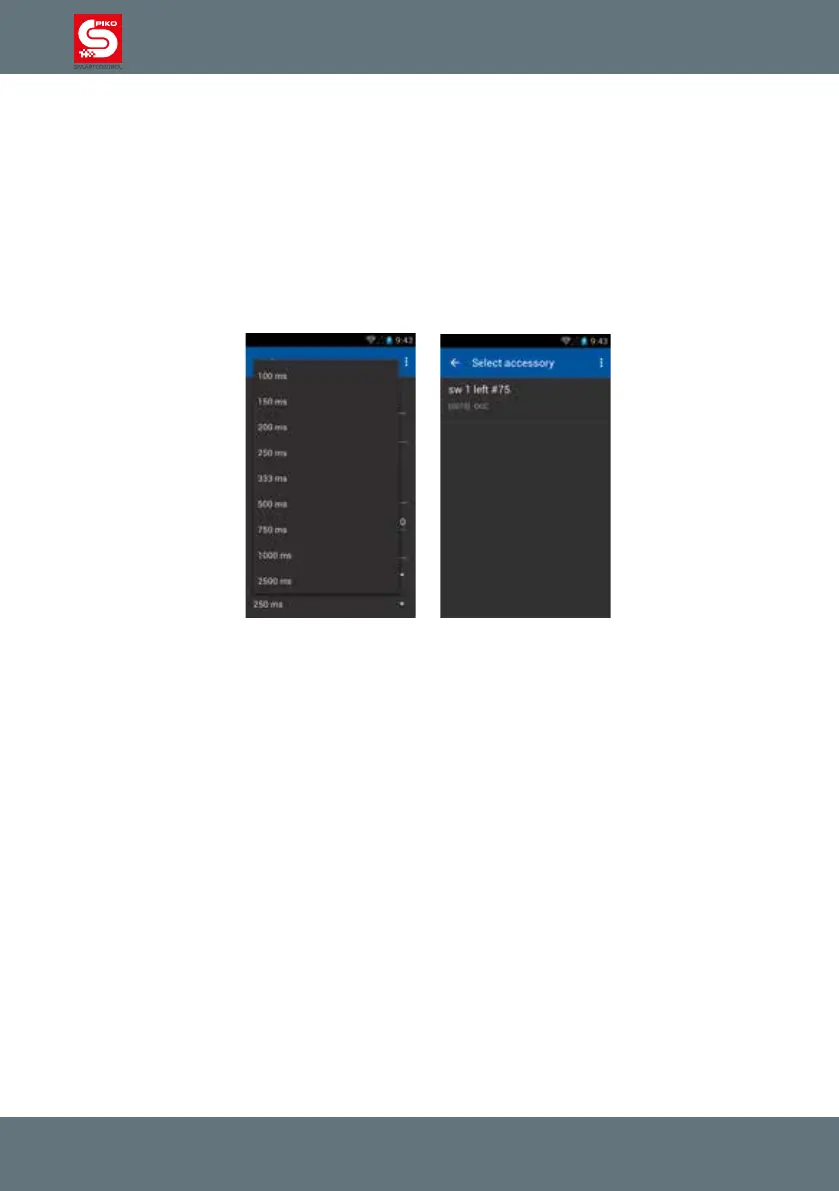
If you choose the option „impuls“ you can specify a duration.
Finish the editing by pressing „done“ on the screen.
You will be redirected to the items-list.
Now you can add additional items if you wish or choose the actual item to put in the switch panel.
By touching an item, it will be added to the the switch panel in the position you selected earlier.



 To Next Page