39
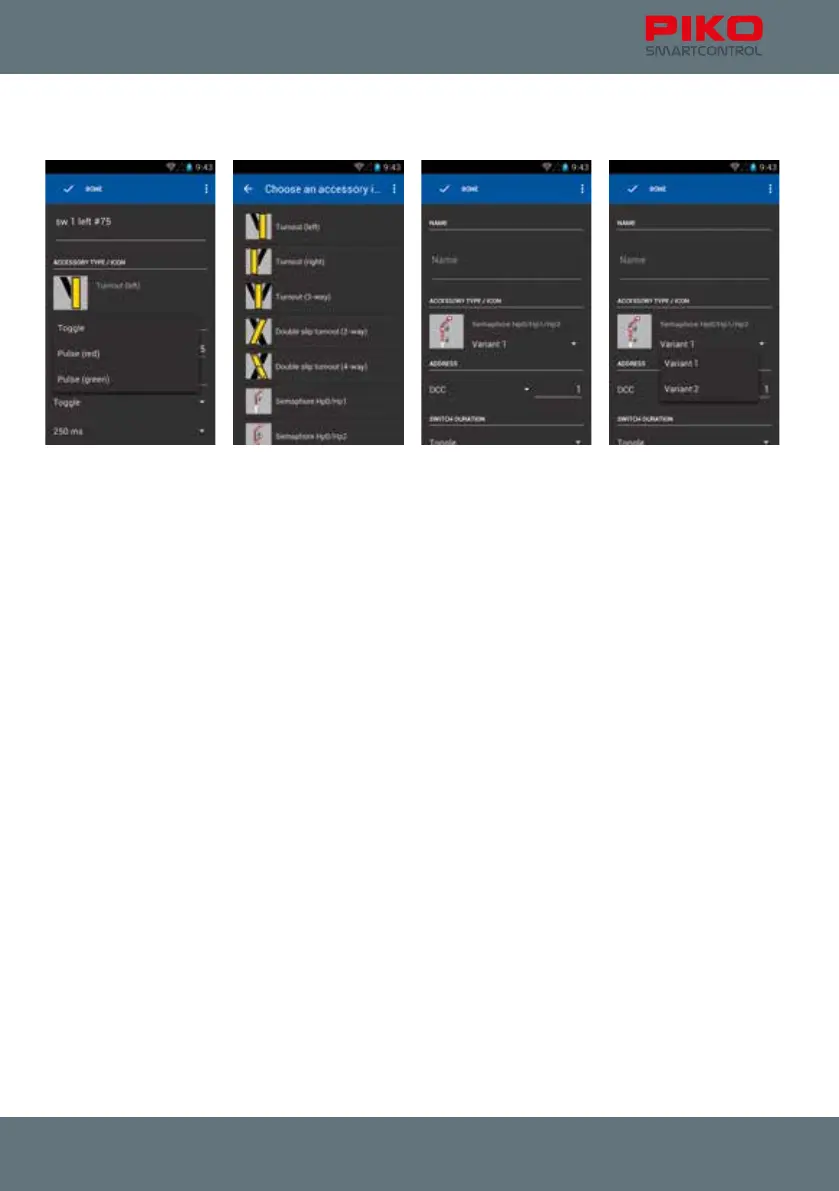
Similar to the menu “new locomotive” you have to enter a name and an address rst.
Additionally, you have the choice of different symbols and accessory settings.
After entering a name, use the keyboard-button „next“ to enter the address. Conrm with “done”.
Now you can choose a symbol, just by touching it.
For some items there are different versions available, e.g. for signals.
In case you want to leave his menu without entering any name, the app will ask you to enter a name.
If you want to leave the menu without saving, please press the menu button and choose “discard
changes”.



 To Next Page