System
20
Setting up the device
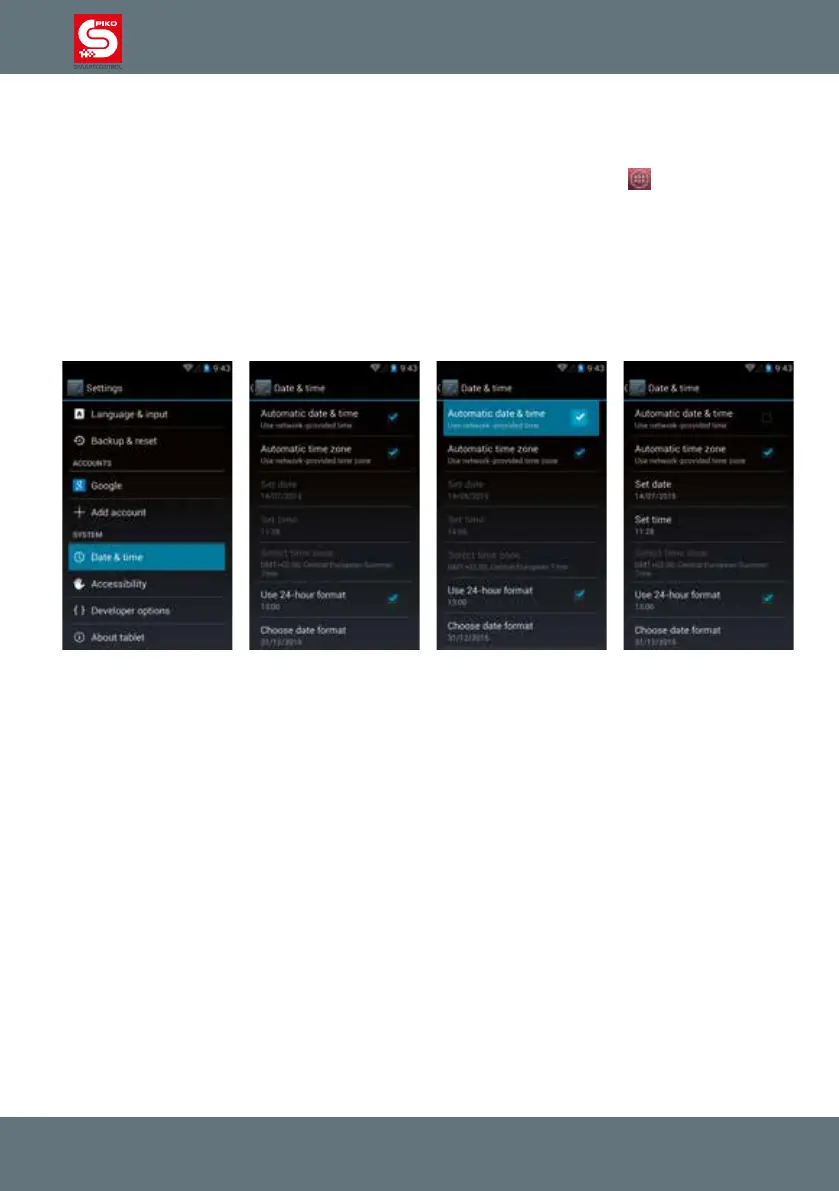
(Android-setup) Setup Date and time
To set the date and time on your device, please go to the main menu (press the
on home screen
and enter settings).
Then enter “Date and Time” in the column “System”.
To enter the time manually, please press “Automatic time zone / Use network-provided time zone” to
remove the check mark. Now the functions “set date” and “set time” are available.
If you are already planning on connecting your device to the internet you can skip this step. Your device
will automatically download the current date and time from the internet.



 To Next Page