System
66
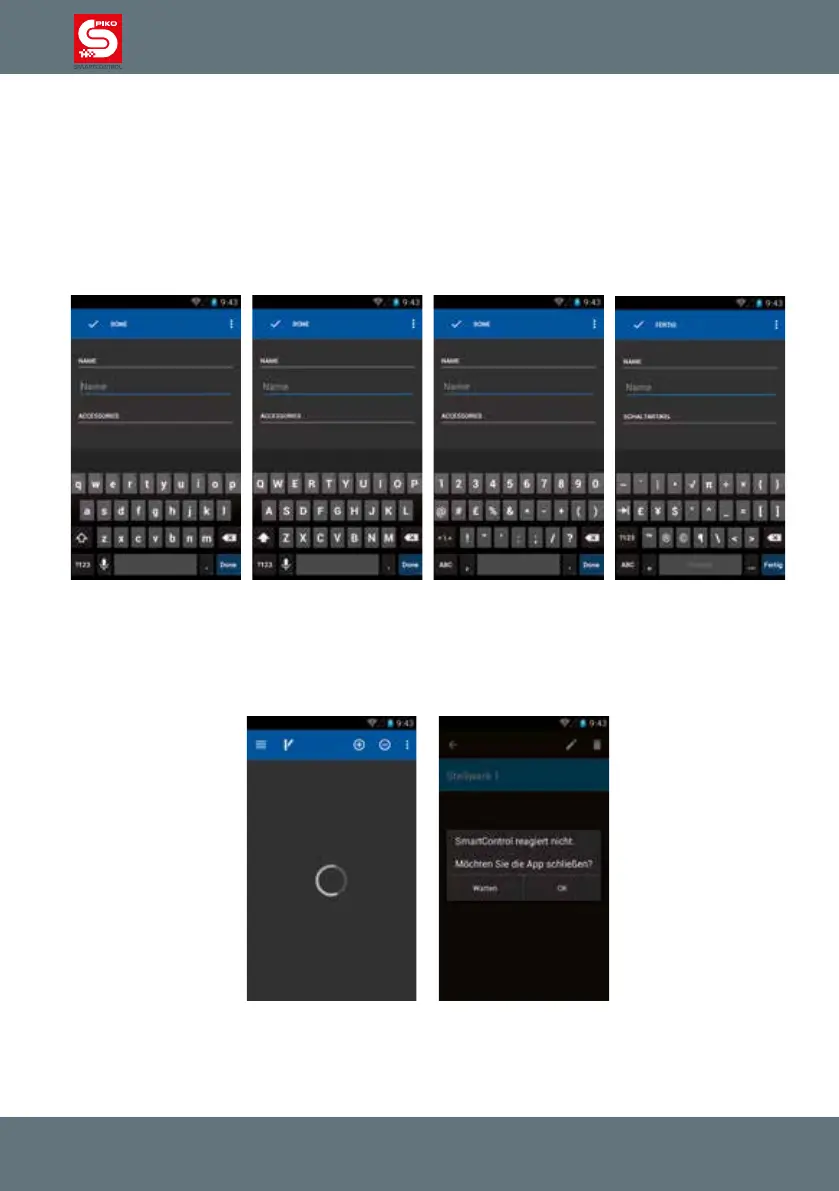
The keyboard of your PIKO SmartControl
®
is very similar to a computer keyboard.
To switch between regular and capital letters, you use the shift-button of the keyboard (arrow on left
side). The letters displayed on the key caps will change accordingly.
If you want to permanently switch to capital letters press and hold the shift-button. After a moment there
will be a blue bar showing up in the arrow. This means “shift locked”. You will write in capital letters now
until you hit “shift” again.
Immediately below the shift button are the special characters. After pressing this button, the keyboard
will display the available signs. (We advise against using special characters in locomotive or switch
panel names.)
If at any point the app stops responding, please wait a moment to see if it becomes responsive again.
It might just be processing data. The app will either resume normal operation or a dialog will be shown
asking you whether you want to quit the app.
Unless you were just saving something restarting the app will not result in data loss and is usually the
best course of action.



 To Next Page