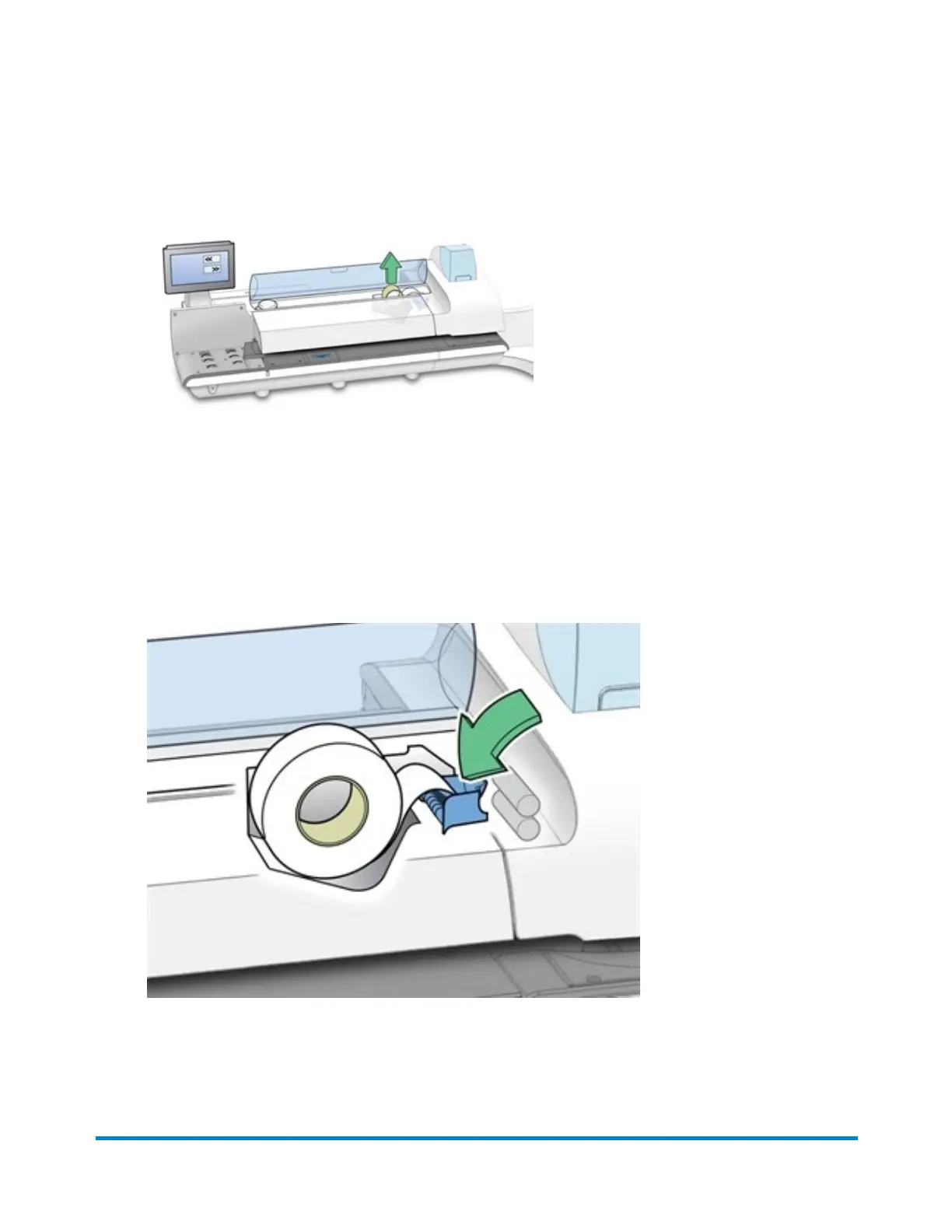
6. Remove the old tape core from the feeding area.
7. Tear or cut (preferred method)off the end of the new roll tape to leave a straight edge.
8. Drop the new roll tape into the well. Make sure the leading tape edge comes up from under the
roll and to the right.
9. Select Feed forward >>. The system will advance the tape feed drive.
10. Insert the lead edge of the tape into the entrance guide. The system will advance the tape to the
proper position.
11. Close the cover.
12. Select Done to return to the Home screen.
Maintenance
Pitney Bowes User Guide April 2022 200











 To Next Page