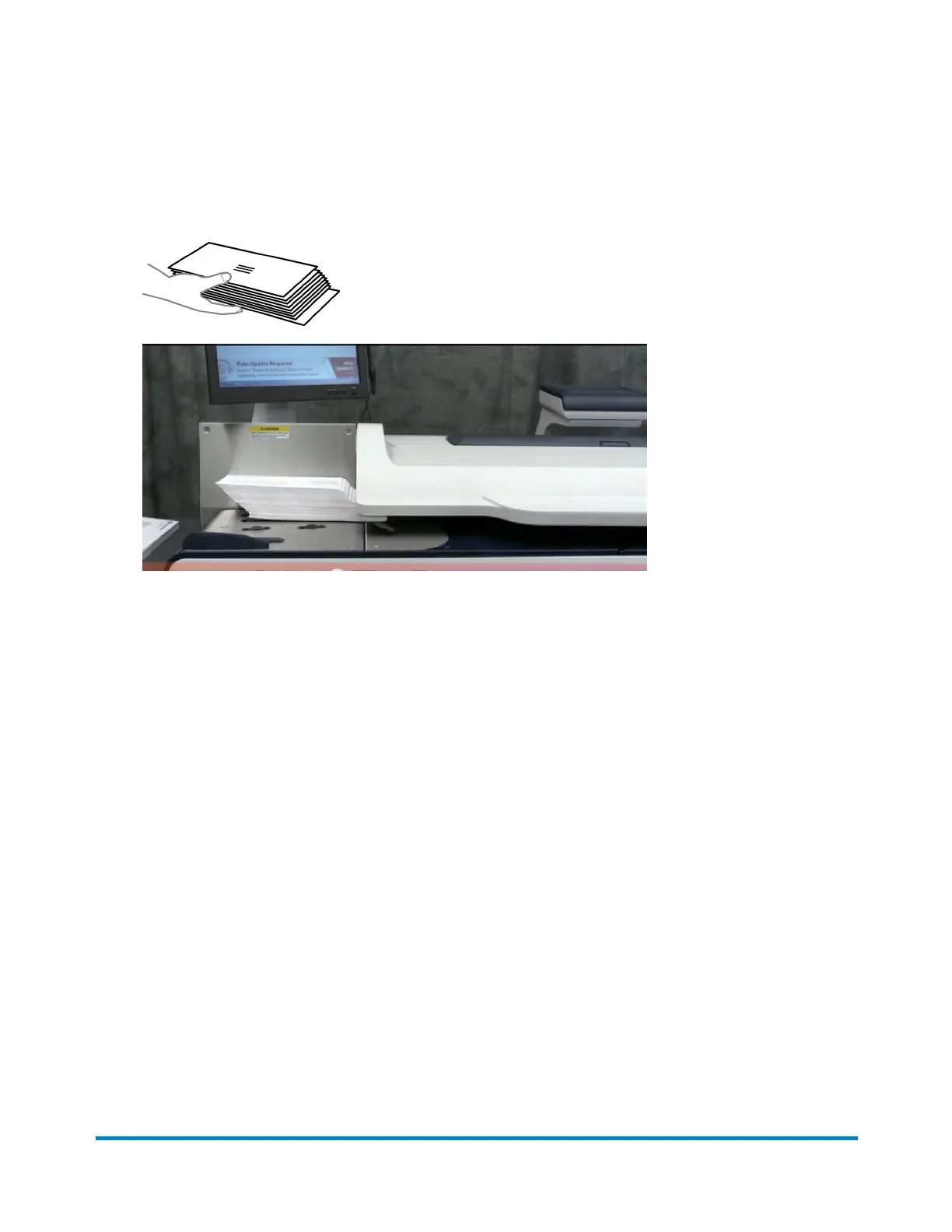
1. Sort the mail by envelope size.
2. Shingle envelopes (slant the stack as shown) so the bottom envelope feeds first. All envelopes
in a single stack should be the same size.
3. Place the stack of mail on the feed deck. Place the envelopes with the flaps down and against
the rear wall.
4. Make sure the envelopes are pushed far enough so that they cover the feed sensor located on
the feed deck near the rear wall.
5. Adjust the side guide so it is close to, but not touching, the bottom edge of the envelope stack.
Be sure and leave a slight clearance between the side guide and envelopes (about 1/16 inch
clearance).
6. Use the thickness adjustment knob to adjust for envelope thickness.
l
For large stacks of thin mail, such as single inserts or post cards, the thin mail setting may
be needed for better performance.
l
To pick a setting, turn the knob so the setting aligns with the pointer nearby.
Reviewing the mailpiece specifications
Running mail
Pitney Bowes User Guide April 2022 44











 To Next Page