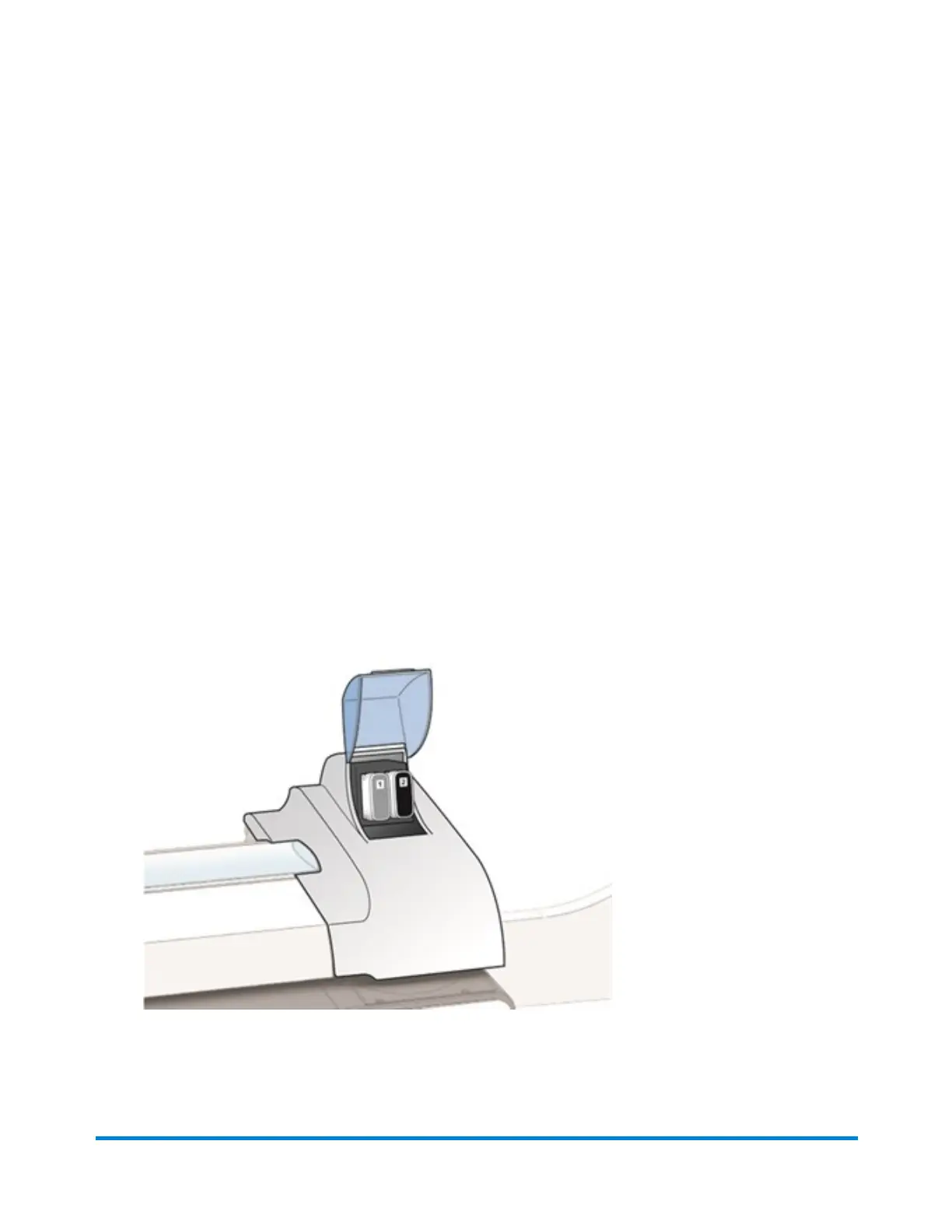
Use Pitney Bowes ink cartridges to ensure best printer performance. Other ink cartridges may cause
poor print quality, rejected or returned mail and uncovered service expenses.
l
The ink in the cartridge may be harmful if swallowed. Keep new and used cartridges out of reach
of children.
l
Discard empty cartridges immediately.
l
Do not remove the ink cartridge if the print head is not installed. If the ink cartridge and print
head are removed at the same time, ink from the print supply line will flow down the tube and
squirt from the needle in the ink cartridge holder out into the printer and system interior.
1. Select Replace ink cartridge when the low ink or out of ink warning appears. If there is no low
ink message:
a. Select Settings on the Home screen.
b. Select Hardware.
c. Select Printer.
d. Select Ink cartridges.
e. Select Replace ink cartridge.
2. Open the ink cartridge cover. Select Clear message if a message about the ink cartridge cover
being open appears.
Maintenance
Pitney Bowes User Guide April 2022 206











 To Next Page