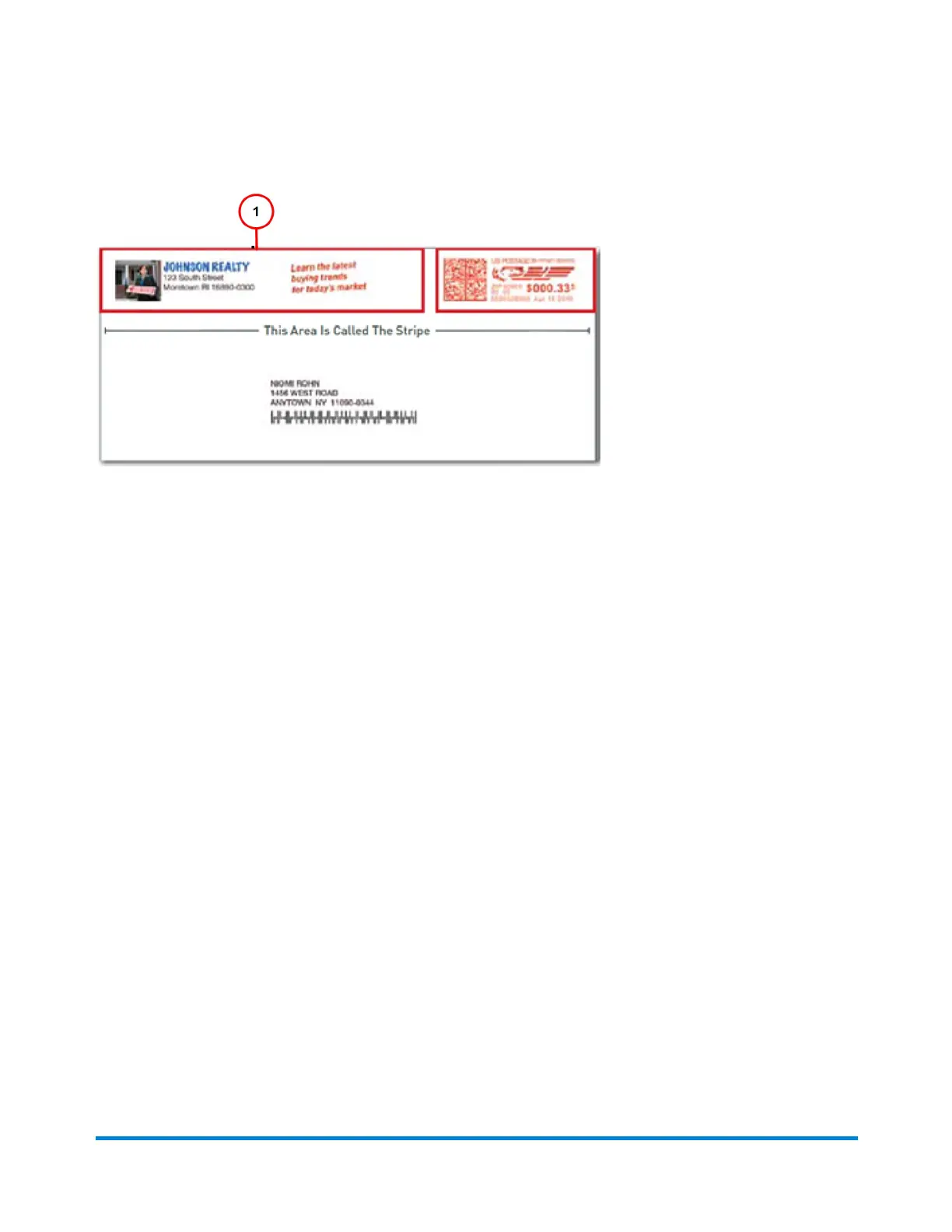
You also have the option of printing date and time stamps on incoming mail.
You make changes to you envelope by selecting anywhere within envelope on the Run Mail screen.
You can also select the Edit envelope link. All of selections for modifying the envelope are contained
in a list box on the left side of the Edit Envelope screen. Note that the options available will depend on
how your system is configured and whether your system has colour capability.
Return address
The return address is positioned at the left edge of the envelope.
The return address option allows you to type in a return address. If you use more than one return
address, save each address in a different job.
To change or add a graphic ad that is already downloaded or present on your system:
1. Ensure that the appropriate job is open and selected on the Run Mail screen
2. Select anywhere within envelope on the Run Mail screen.
3. Select the Graphic Ad option from the list box.
4. Select the graphic you want to replace, or select the Green Arrow at the top of the on-screen
envelope.
l
If no graphic currently displays on the envelope, select one of the available graphic ads
displayed on the Edit envelope screen. A check mark appears next to the graphic you
select.
5. You can adjust the position of a graphic with the Green Position Arrows on the right side of the
Running mail
Pitney Bowes User Guide April 2022 73











 To Next Page