User’s Manual of GT-915A
Network with Cybersecurity Helps Minimize Security Risks
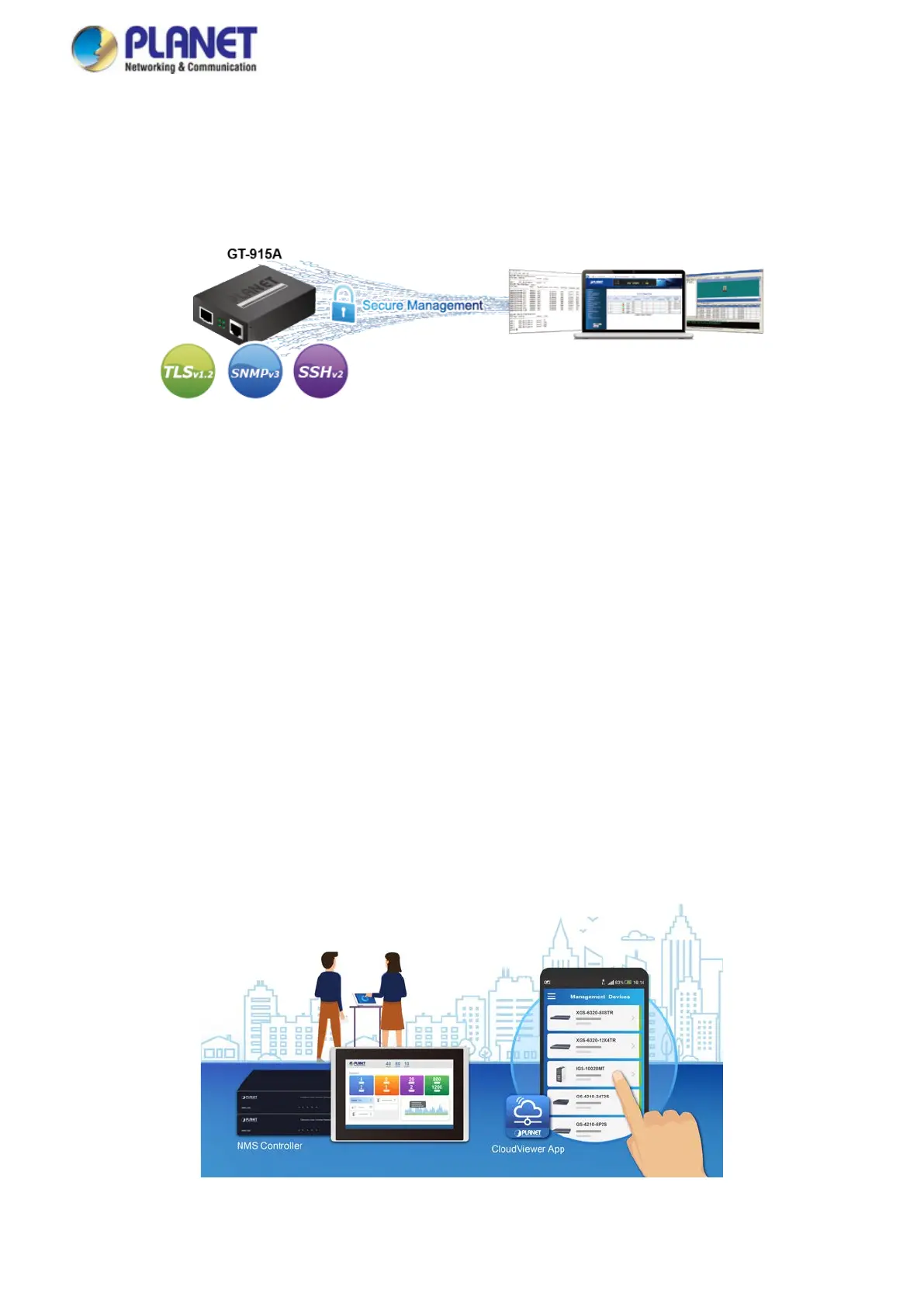
The GT-915A comes with enhanced cybersecurity to fend off cyberthreats and cyberattacks. It supports SSHv2, TLSv1.2 and
SNMPv3 protocols to provide strong protection against advanced threats. Served as a key point to transmit data to customer's
critical equipment in a business network, the cybersecurity feature of the IGT-900-Series protects the management and
enhances the security of the mission-critical network without any extra deployment cost and effort.
User-friendly and Centralized Web Management Interface
For efficient management, the GT-915A is equipped with a remote Web/SNMP interface. With its built-in Web-based
management, PLANET GT-915A acts as an easy-to-use, platform-independent management and configuration facility. The
GT-915A also supports standard Simple Network Management Protocol (SNMP) and can be managed via any standard-based
management software.
OAM Management
TS-1000/802.3ah OAM protocol (operation, administration, and maintenance) supported enables remote OAM compliant device
to be managed and monitored by the GT-915A.
Remotely Manage Solution
PLANET's Universal Network Management System (UNI-NMS) and CloudViewer App support IT staff to remotely manage all
network devices and monitor the GT-915A operation statuses. Thus, they're designed for both the enterprises and industries
where deployments of the GT-915A can be as remote as possible, without having to go to the actual location once a bug or
faulty condition is found. With the UNI-NMS or CloudViewer app, all kinds of businesses can now be speedily and efficiently
managed from one platform.



 To Next Page
 Loading...











