User Manual of WDAP-C1750
-66-
The Date and Time must be set before enable this function.
5.5.2 LED Settings
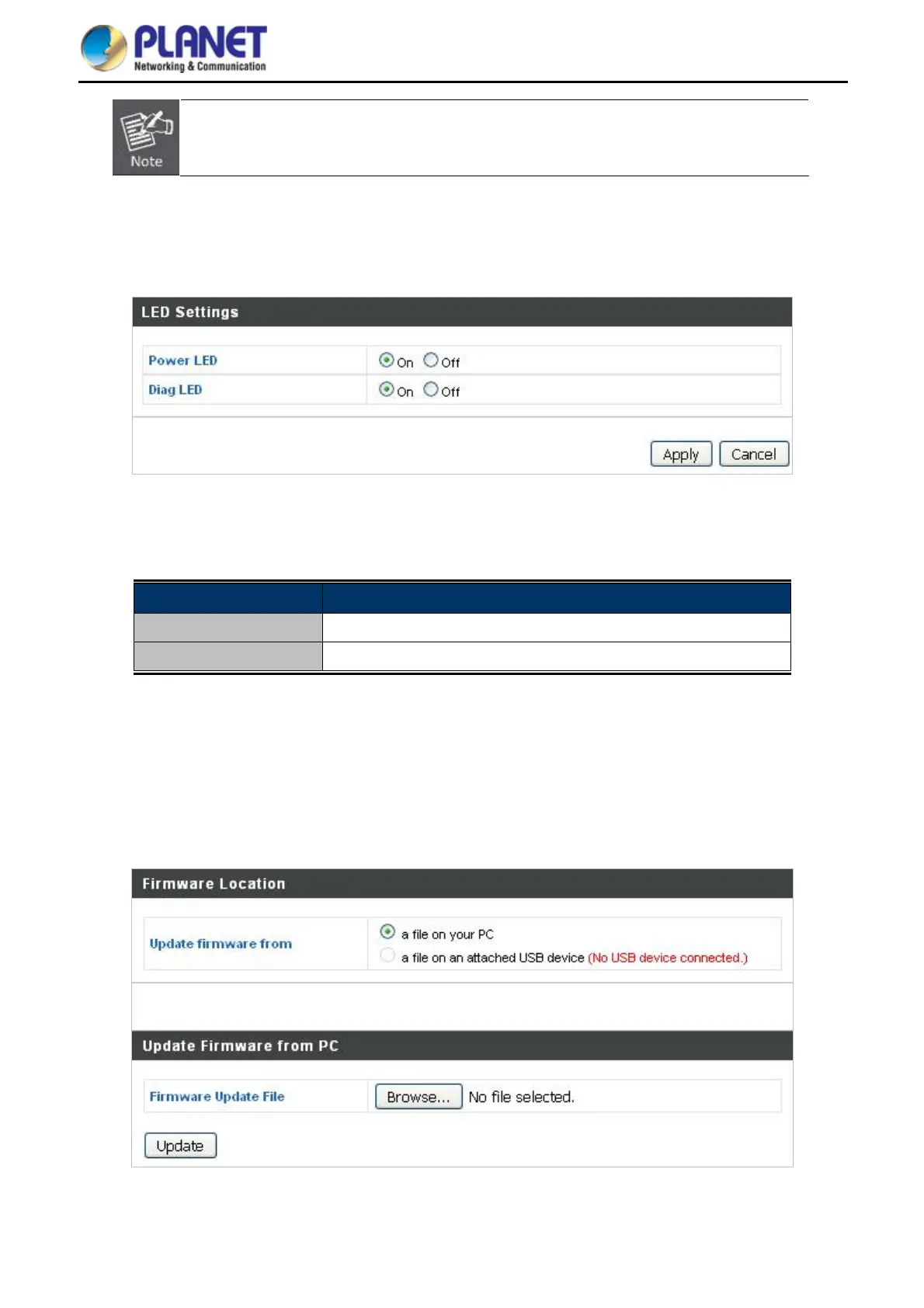
The access point’s LEDs can be manually enabled or disabled according to your preference.
Figure 5-39 LED Settings
The page includes the following fields:
Object Description
Power LED Select on or off.
Diag LED Select on or off.
5.5.3 Update Firmware
The “Firmware” page allows you to update the system firmware to a more recent version. Updated firmware
versions often offer increased performance and security, as well as bug fixes. You can download the latest
firmware from the PLANET website.
Figure 5-40 Update Firmware



 To Next Page
 Loading...











