40
2
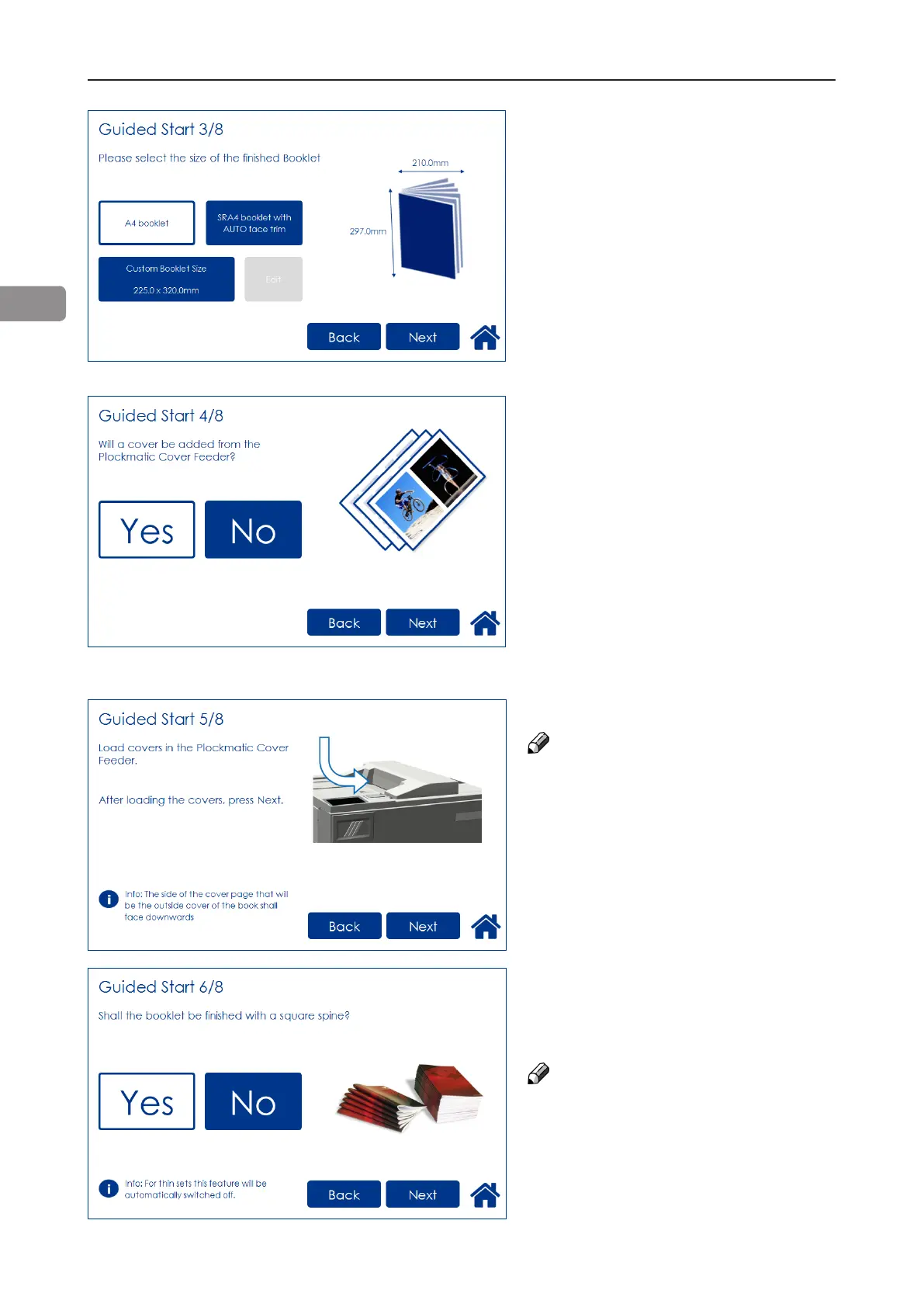
Guided Start 6/8
Select whether or not the booklet
should have a square formed spine
and press the corresponding button.
NOTE:
If the job includes a small number
of lighter weight sheets, the square
forming action will be switched off
and the BookFold Module will be
bypassed.
Guided Start 3/8
Choose either of two suggested
formats (except for B4 which only
has one suggested format).
When Face Trim is set to Auto,
a minimum trim, based on the
information from Set Thickness
Sensor, is calculated.
To set the trim manually, follow
“Finished Booklet size” described in
section “Basic Settings” below.
Guided Start 4/8
Select whether the Cover Feeder
is to be used or not and press the
corresponding button.
Guided Start 5/8
Load the covers face down.
NOTE:
Make sure covers are same size as
sheets fed to the Booklet Maker.
When using the bleed trim function
and feeding covers at the same time,
make sure covers loaded in Cover
Feeder are same size as sheets fed
from RCT to the Booklet Maker.



 To Next Page