Legend Pro™ System User Manual Version 7
Proprietary Information of Pollogen a company of Lumenis 15
The MENU enables the following operations:
Select Treatment Technology – VoluDerm ™ (VO) or TriPollar®.
Select the Treatment Applicator – VoluDerm ™ (VO) applicator is selected once the technology is
selected. TriPollar® - Applicator No. 1, 2 or 3.
Select treatment program –
o VoluDerm ™ treatment programs: Low, Medium, and High.
o TriPollar® Energy treatment programs: Course App1-A & App1-B (For applicator 1), Course
App2-A & App2-B (For applicator 2) & Course App3-A & App3-B (For applicator 3).
Select Treatment Parameters –
o VoluDerm ™: exposure and power setting
o TriFractional: pulse width
o TriPollar® Energy: time (0-40 minutes) and power setting (power levels range from 5 to 95
(5% to 95% of the maximum output power of Applicators 1&2 and 5% to 30% of applicator 3
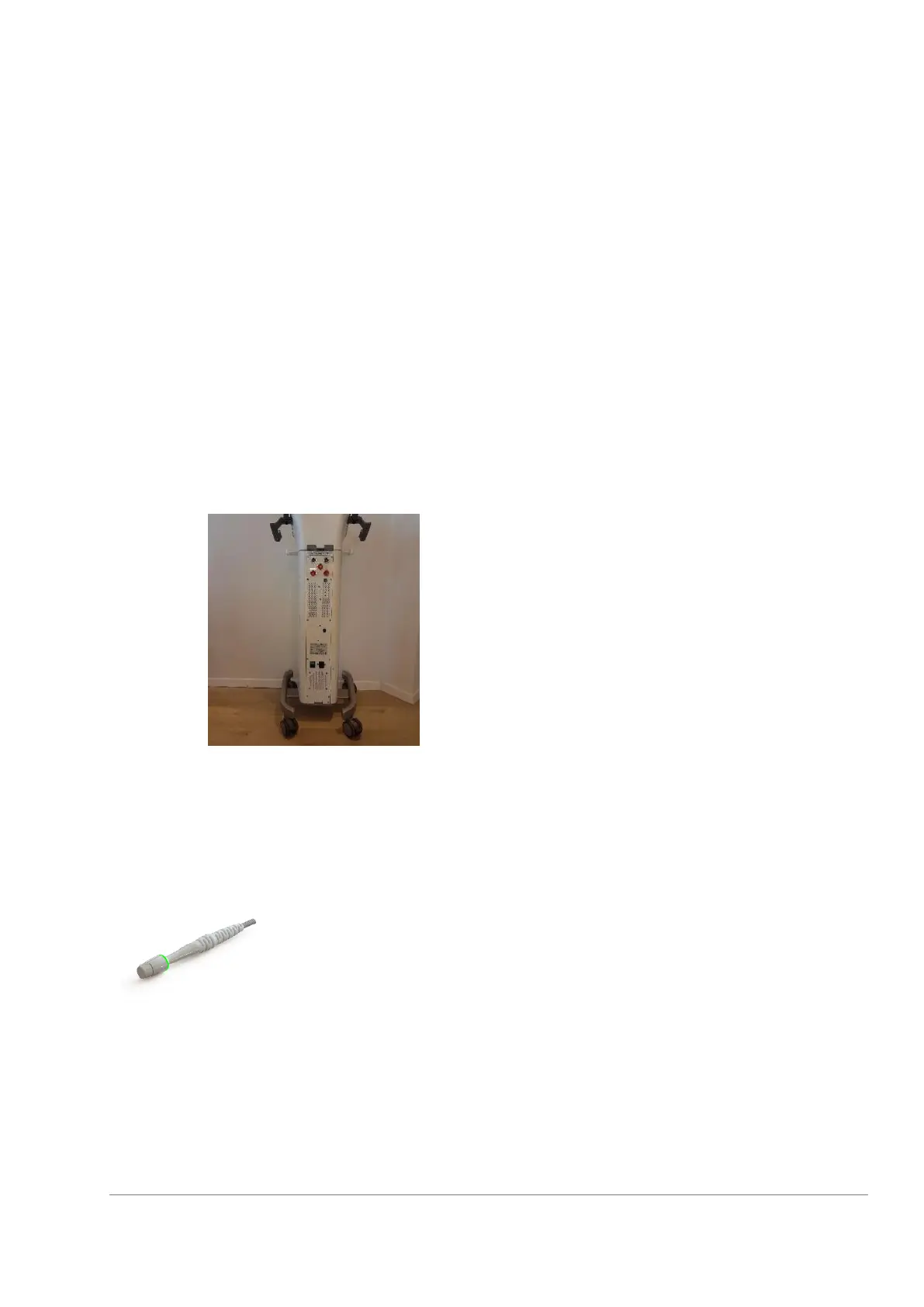
7.1.3 Back Panel
The Back Panel includes the ON/OFF switch,
Controlled Manual Switch connector
Applicator VO connector,
Applicator 1 connector,
Applicator 2 connector,
Applicator 3 connector,
AFO connector,
device S/N label,
Foot Switch connector,
Memory stick inlet and power inlet with fuses.
The VO applicator is connected to the main unit using a cable comprised of
electrical wires and a connector. It also consists of a plastic body with a
disposable tip.
When not in use, the applicator should be stored in its cradle.



 To Next Page