Legend Pro™ System User Manual Version 7
Proprietary Information of Pollogen a company of Lumenis 41
To end a VoluDerm ™ treatment, select the “door” Exit
symbol in the upper right corner of the treatment screen.
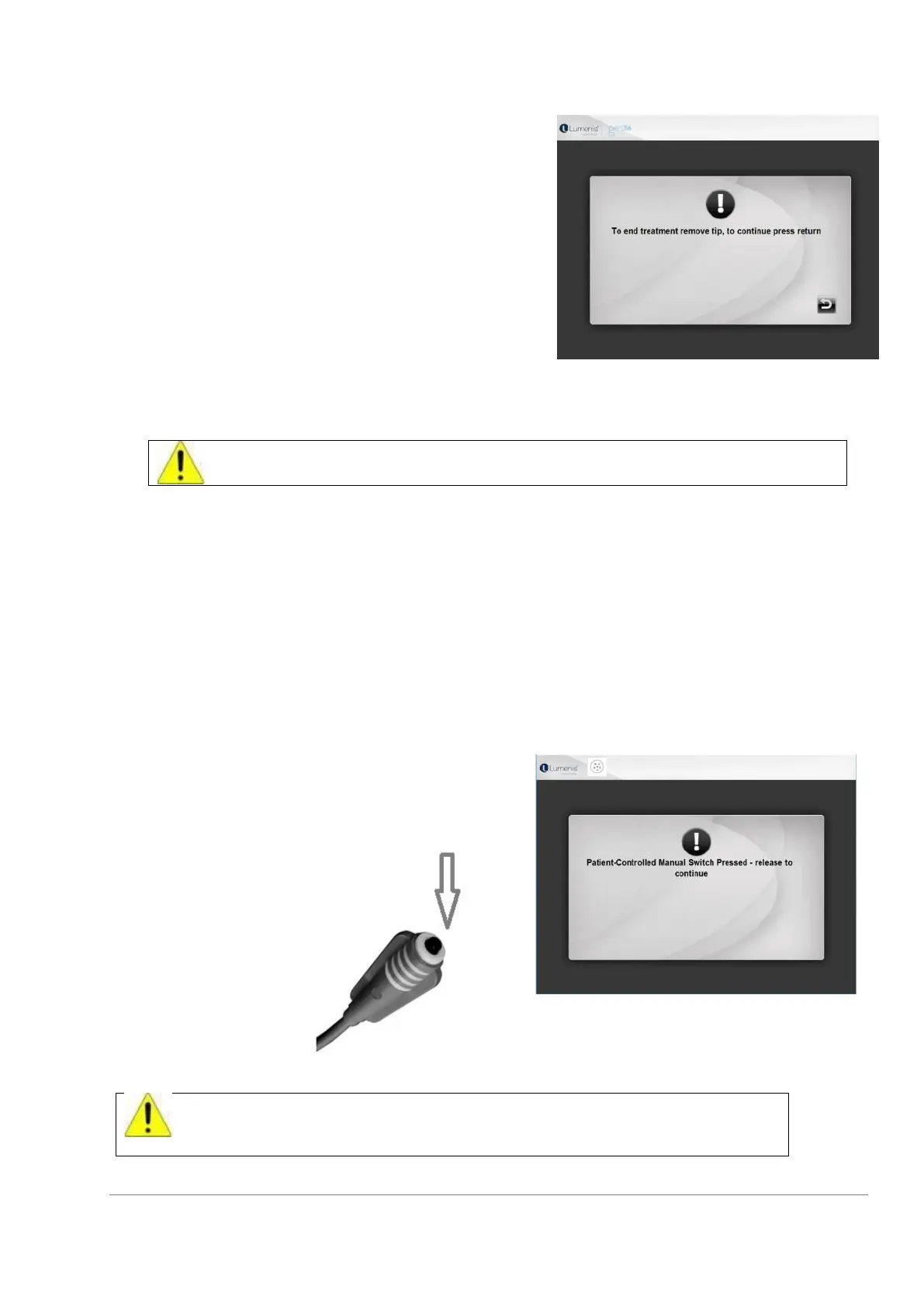
The following screen will appear.
You will be instructed “To end treatment remove the tip, to
continue press return.”
After removing the tip, the system will return to the main
screen.
11.5 Adjusting System’s Default (Preset) Parameters
For safety reasons, each time you switch the System OFF, all parameters return to
the default values.
Default (Preset) parameters are displayed on the screen for each treatment program.
Each one of the treatment parameters may be easily adjusted using the simple user interface.
Select a parameter to be adjusted by sliding its slider, right to increase or left to decrease, or
pressing on the “+“ or “-” button accordingly. After setting all parameters on the treatment screen,
press foot switch for operation.
11.6 Operation
Treatment may be started any time after the treatment program has been selected.
Be aware that treatment pulse will be emitted when the footswitch has been pressed.
Release the foot switch ONLY after the BEEP sound, indicating that pulse emission is complete.
Patient-Controlled Manual Switch
System will immediately stop the treatment once
Patient- Bio Feedback Control is pressed.
After the Patient-Controlled Manual Switch has been pressed the treatment may
only be continued if the Patient controlled manual switch is released and the Foot
Switch is also released and pressed again.



 To Next Page