Legend Pro™ System User Manual Version 7
Proprietary Information of Pollogen a company of Lumenis 53
Once treatment area is selected and treatment plan has been discussed with the patient, it is
recommended to take a picture of the treatment area for recording the pre-treatment
condition in the patient’s file.
Performing Treatment Procedure
Clean the treatment area with soap and water
Dry completely after cleaning
Lubricate the treatment area thoroughly using medical grade and high purity Glycerin
Turn the system on and set the appropriate treatment parameters as described in section 8.3.
For the first treatment select COURSE A and begin treatment using
default RF power setting.
An alarm will sound when treatment time reaches half way through
the pre-determined exposure time. This will enable you to choose the
option of moving to the other facial side
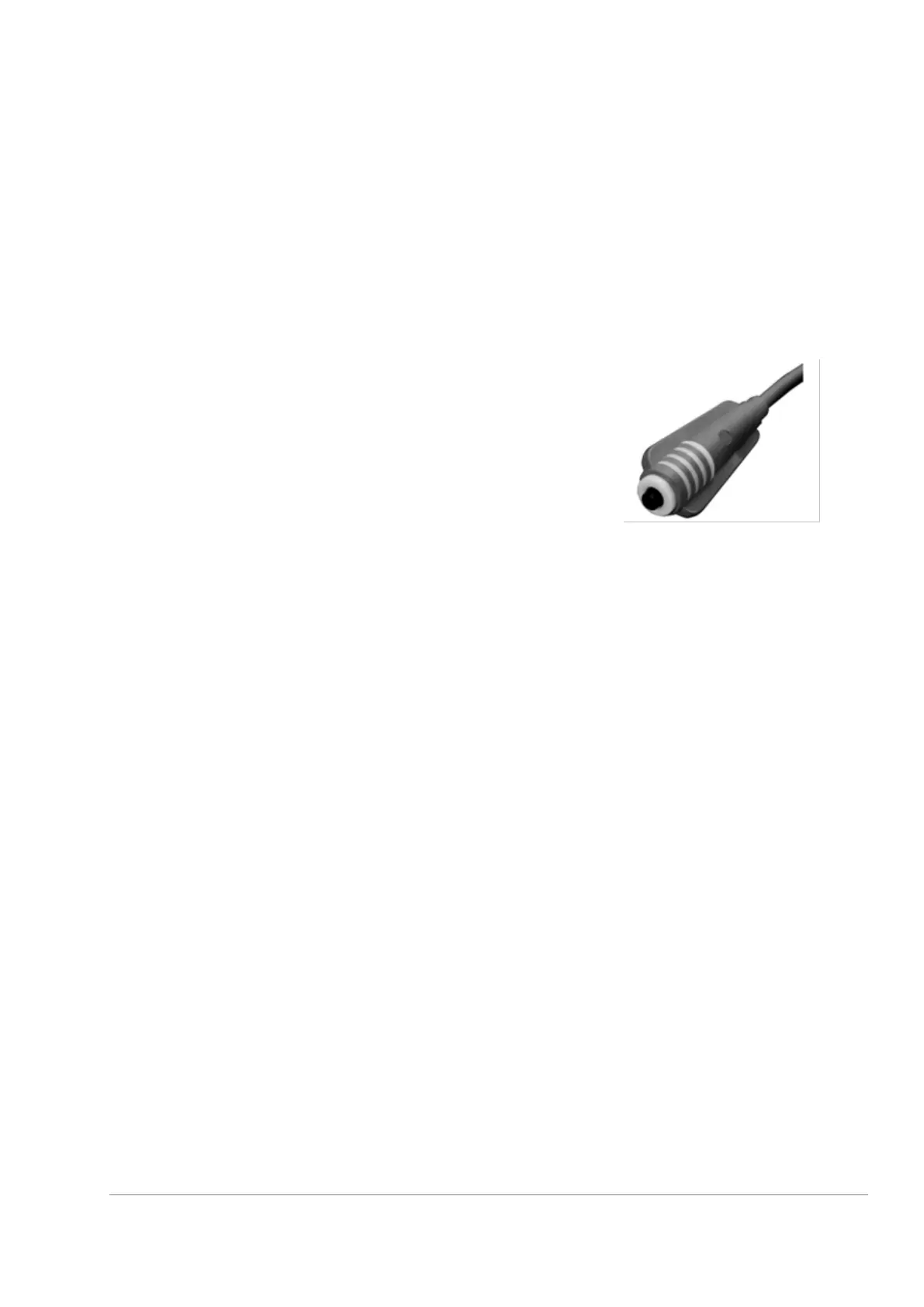
Provide the patient with the ‘Patient-Controlled
Manual Switch’; have them position the push button
in range of their thumb for easy access. Then explain
that they can stop the treatment at any time by
pressing the button in case of discomfort
Have the patient sit / lay in a comfortable position for treatment.
Measure a baseline skin temperature.
Position the clean Applicator onto the skin of the patient and move it, then press the Foot
Switch for treatment to begin.
Note the reading of temperature on the LCD screen or in the GUI for reference as a baseline
temperature.
It is recommended to start the treatment using Applicator 1 in order to pre-heat the cheek
area, to continue treatment of full face using Applicator 2 and to finalize treatment using
Applicator 3 on small delicate areas such as around the eyes and mouth.
Apply the appropriate applicator with a mild pressure and repeating rubbing/massaging
movements on the area. (Elliptical, circular, etc., depending on the area). When
administrating the treatment, the applicator should be constantly moved on the skin.
Monitor patient’s skin temperature using the integrated temperature-reading bar located in
the screen and in the LED screen of the applicator, for applicators 1 and 2.
When using applicator no 3, periodically, every 3 minutes, throughout treatment by using a
non-contact infrared thermometer. Using the non-contact IR thermometer:
o Remove the cap; press the “house” button constantly.
o 2 red IR circles will appear, move the thermometer closer or away from the skin in
order to align the 2 red circles.
o Once they are aligned, stop pressing the “house” bottom.
o The red circles will flicker and when the stop you may take the reading from the
thermometer’s screen placed a few centimeters above the skin.



 To Next Page