Legend Pro™ System User Manual Version 7
Proprietary Information of Pollogen a company of Lumenis 38
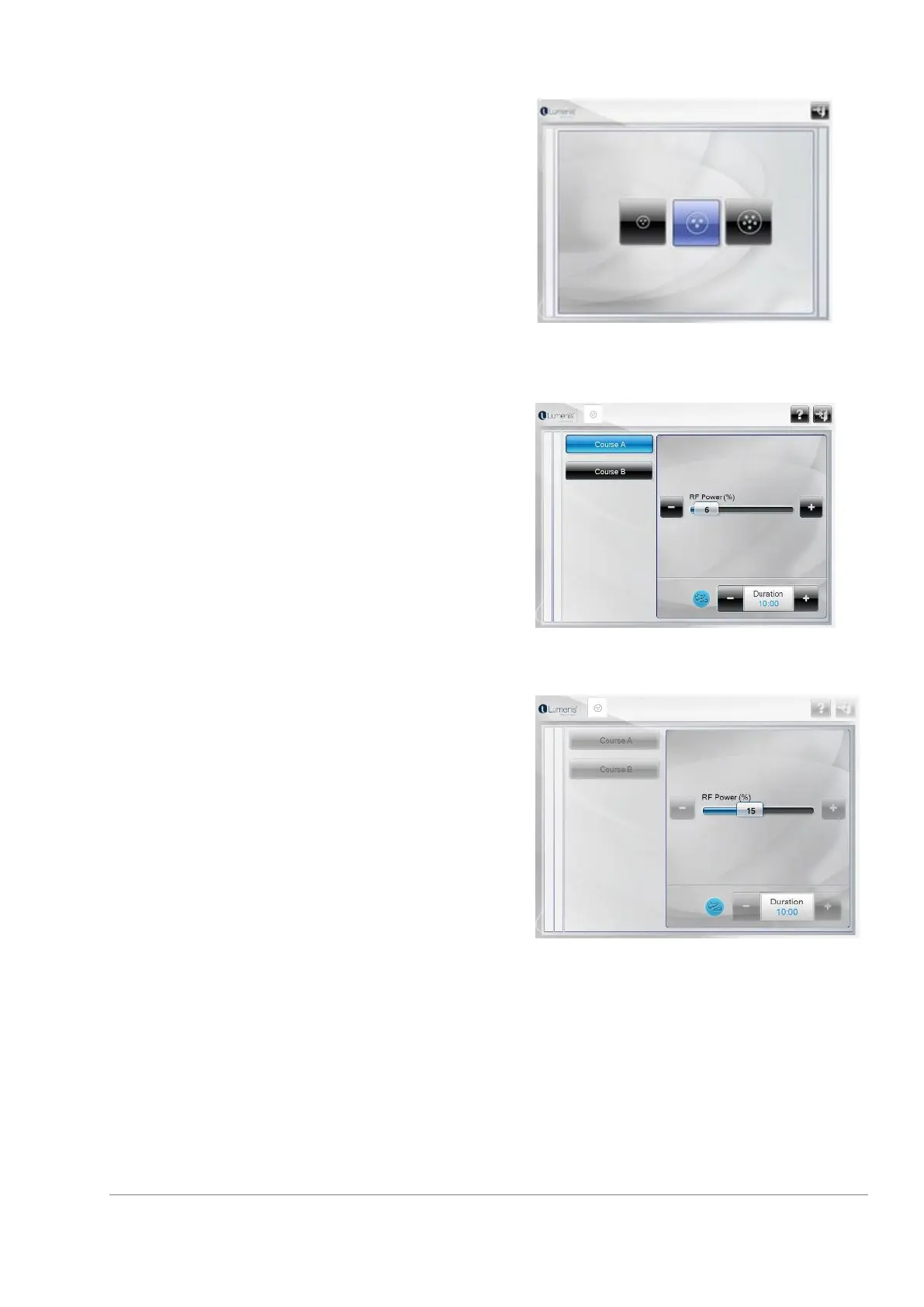
The system does not enable to select an application if its
applicators are not properly connected. Its image will
appear dim on the screen.
In the image to your right, you may select the TriPollar®
Application No. 1 that is properly connected. Applicators
2-3 are not properly connected.
11.3.2 Select TriPollar® treatment course
(Applicator 1 Course A is used as an example in below
screen)
TriPollar® application enables 2 treatment courses per
each Applicator. Courses are distinguished by their
configuration settings (default parameters and range of
parameters values). In each course, changes can be
made to the following parameters: RF Power (%) and
Duration (Min).
To change each parameter, move the slider, right to
increase or left to decrease, or press on the “+“or “-”
button accordingly.
During the treatment, all keys will be dimmed/not active.
To end a TriPollar® treatment course, select the “door”
Exit symbol in the upper right corner of the treatment
screen.



 To Next Page