Legend Pro™ System User Manual Version 7
Proprietary Information of Pollogen a company of Lumenis 43
10.7.2 Indication on Touch Screen
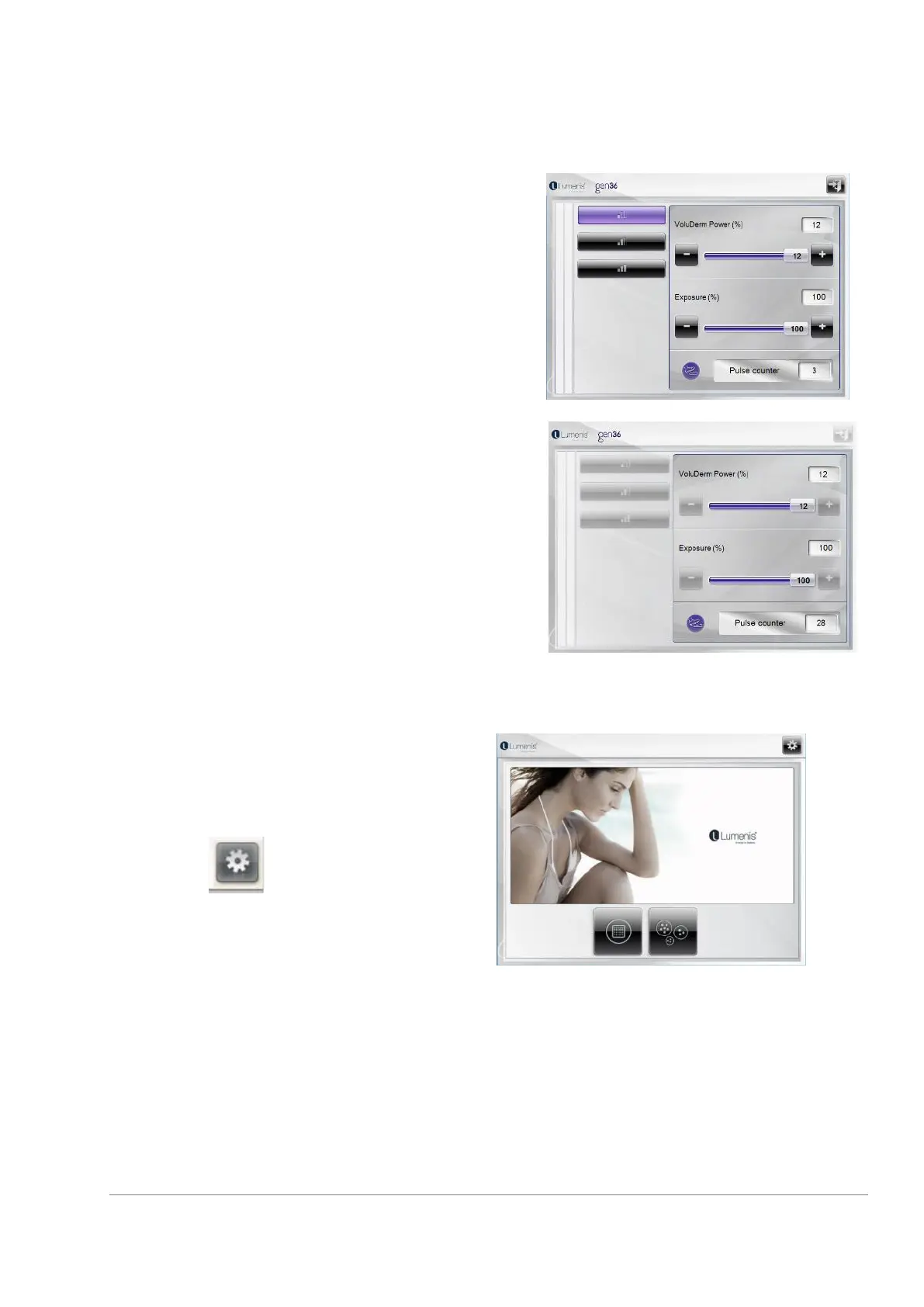
During normal operation procedure the selected
applicator and treatment parameters are displayed
on the touch screen.
When treatment begins and after the foot switch
has been pressed, all keys become dim and will not
enable changes until the end of the pulse emission.
11.8.1 Home screen
The basic screen from which you can select other
screens is the home screen.
Press on the key to reach the “Setting
Screen”



 To Next Page