Legend Pro™ System User Manual Version 7
Proprietary Information of Pollogen a company of Lumenis 42
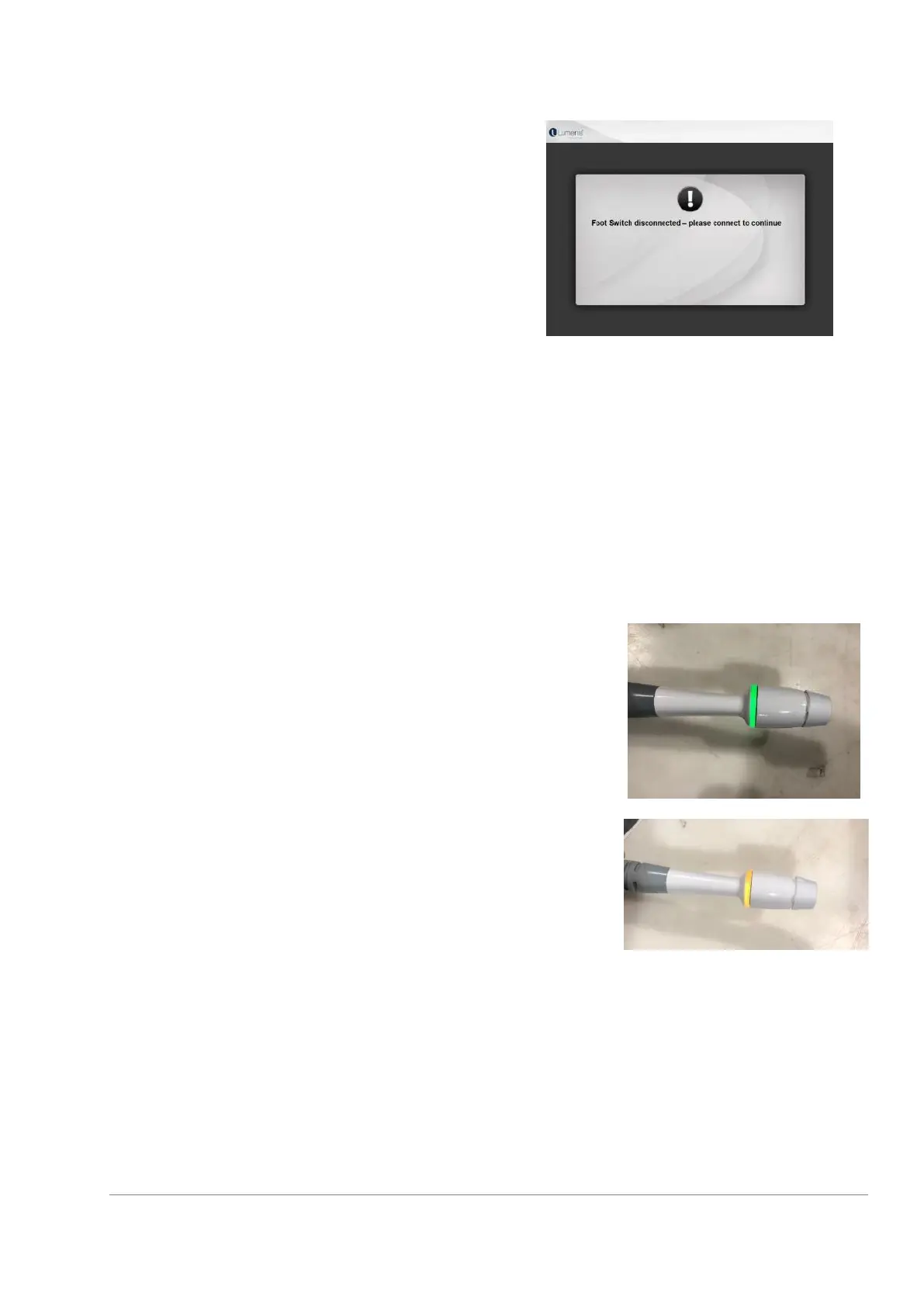
During treatment, the System is continuously checking
proper connection of the selected Applicator, Foot Switch
and Patient-Controlled Manual Switch. In case of a
connection failure, the System will sound an alarm and
display a warning message (see Footswitch connection
error as an example).
When the Foot Switch is pressed, RF power is transmitted to the target area by a sequence of two pulses.
The first RF pulse is pre-set. The second RF pulse is pre-programmed with default treatment parameters per
each treatment level. Parameters may be modified according to skin condition and number of treatment.
11.7 Indications
11.7.1 Applicator Indication
After pressing and releasing of the Footswitch, the LED
indicator ring on the selected applicator will turn
green.
When the Foot Switch is pressed, and Energy is
transmitted to the electrodes, the LED indicator ring
will turn orange.



 To Next Page