Legend Pro™ System User Manual Version 7
Proprietary Information of Pollogen a company of Lumenis 37
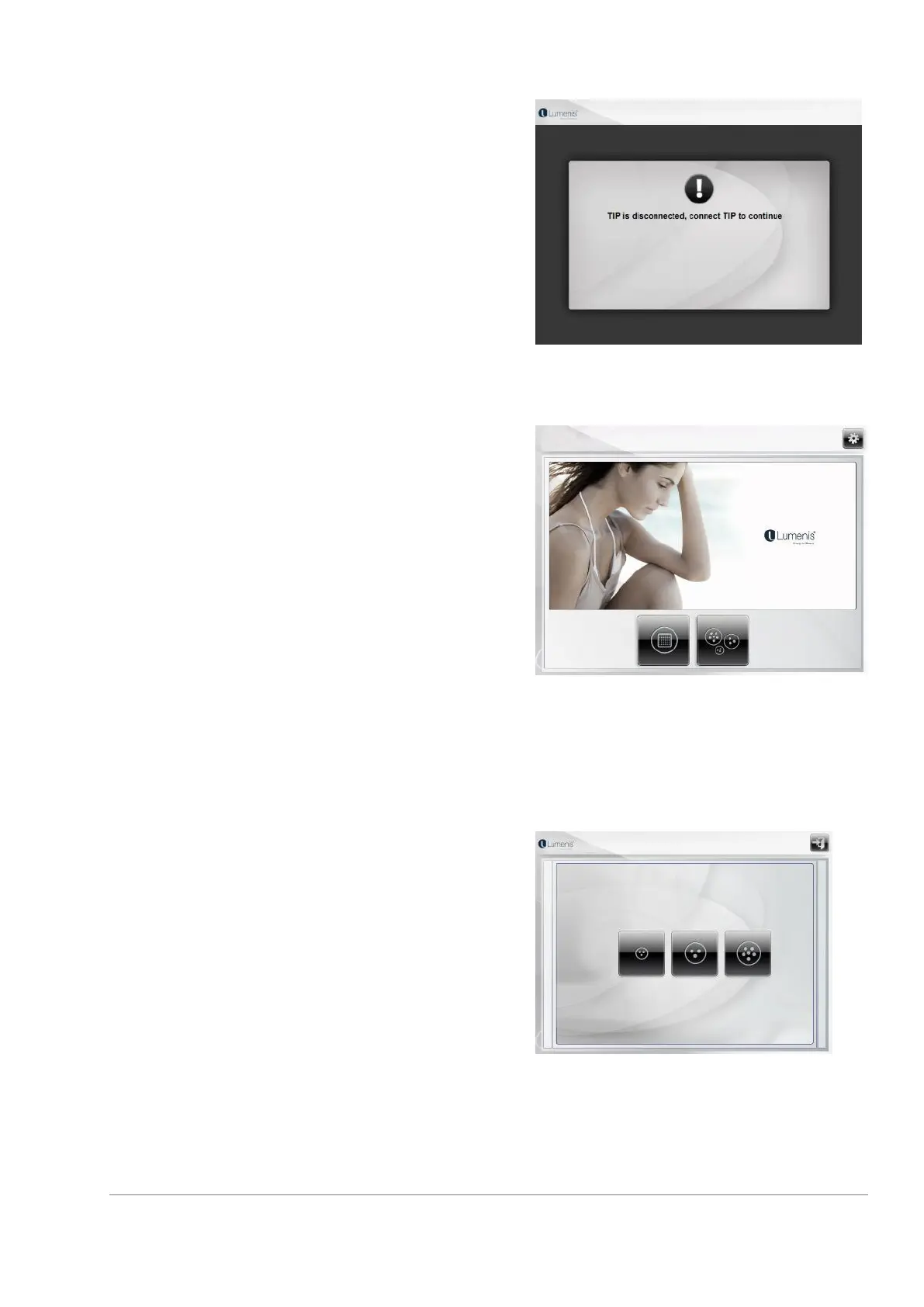
In case one of the tips is already connected while turning
the system on, the 'Remove tip' screen will be shown.
Please remove the tip from the applicator in order to
continue to the home screen.
11.2 Selecting Treatment Application
Select Treatment Application by taping on the VoluDerm
™ or TriPollar® key in the Home Screen.
Once a key is selected, it is color highlighted.
The system does not enable to select an application if its
applicators are not properly connected. Its image will
appear dim on the screen.
You may select the TriPollar® Application if at least one
of its applicators is properly connected.
11.3 TriPollar® Treatment Application
11.3.1 Select TriPollar® Treatment Applicator
Select the TriPollar® Application to reach Applicators 1-3.
Select the requested Applicator.



 To Next Page