Legend Pro™ System User Manual Version 7
Proprietary Information of Pollogen a company of Lumenis 36
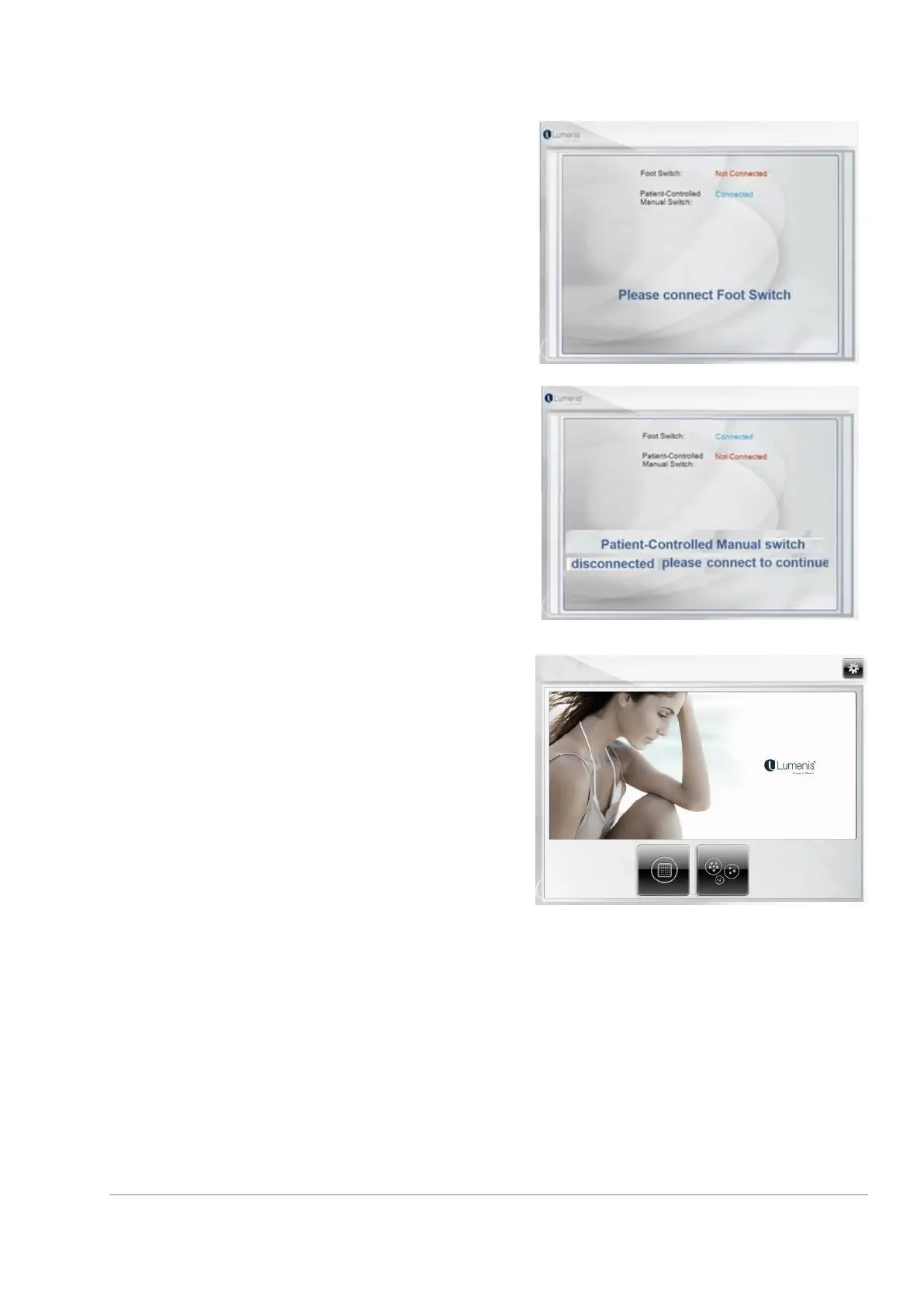
During preliminary System check, an alarm will sound if
the Foot Switch is not connected and will be indicated in
red on the screen. Once the Foot Switch is connected
properly, the system will continue automatically after
check is successful.
During preliminary System check, an alarm will sound if
the Foot Switch is pressed. Once the Foot Switch is
released, the System will continue automatically after
check is successful.
During preliminary System check, an alarm will sound if
the Patient-Controlled Manual Switch is not connected
and is indicated in red on the screen. In case of
disconnection, the System check will stop. Once the
Patient-Controlled Manual Switch is connected properly,
the System will continue automatically after check is
successful.
During the preliminary System check, if the Patient
controlled manual switch is pressed, the System check
will stop and will not move on to next screen until
released. Once the Patient-Controlled Manual Switch is
released, the System will continue automatically after
check is successful.
Once the preliminary System check is complete, the
System will automatically go to the Home screen.
Only when an applicator is properly connected it enables
to enter a treatment mode
It is recommended to verify the functioning of touch screen keys before starting the treatment.



 To Next Page