Legend Pro™ System User Manual Version 7
Proprietary Information of Pollogen a company of Lumenis 35
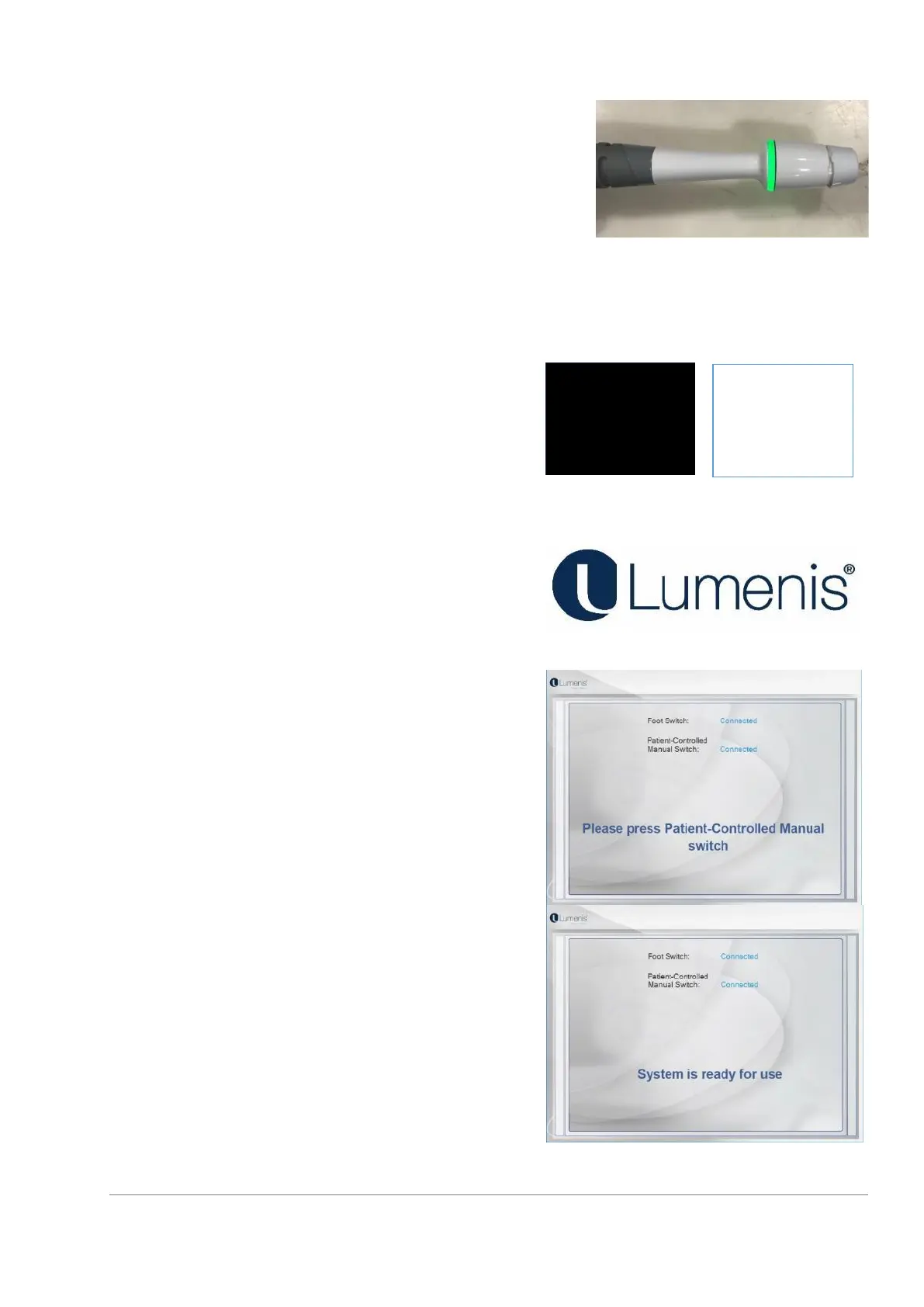
As part of the System’s self-check, and while the touch
screen becomes black, the LED Indicator ring on the
applicator flashes green and then orange.
Touch screen becomes black and then white as part of
the screen quality check.
(Please refer to Applicator VO as an example)
As part of the System’s self-check, and while the touch
screen becomes black, the LED Indicator ring on the
applicator flashes green and then orange.
Touch screen becomes black and then white as part of
the screen quality check)
After turning the system ON, the touch screen will show
the following picture, for 10-15 sec. while the system
starts.
Following the screen quality check, the System will move
on to check proper connections. The connections status is
displayed on the screen.
If self-test is successful, the System will request “Please
press Patient-Controlled Manual Switch”, after pressing
the Patient-Controlled Manual Switch, a “System is ready
for use” screen will flash for 2-3 seconds and the system
will automatically proceed to the Setting screen for
language selection.
During the connection checks of the system, the following
warning messages may appear:



 To Next Page