Legend Pro™ System User Manual Version 7
Proprietary Information of Pollogen a company of Lumenis 44
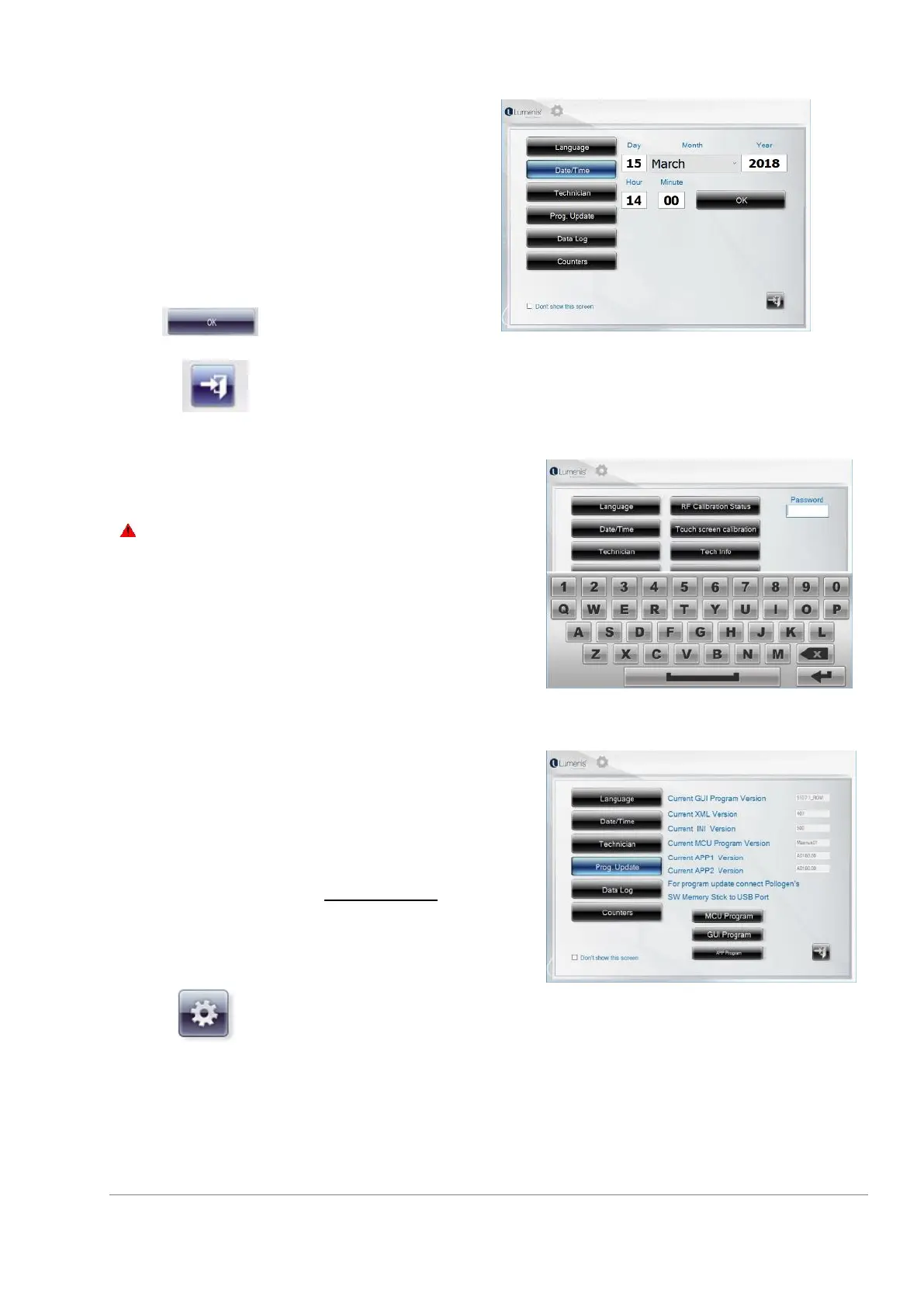
11.8.2 Date/Time selection
It is recommended to define the date/time during
installation of the system, as this will enable
referring to treatment logs with date & time of
treatment.
To define the date & time: Select the current date
and time.
Press to confirm
Press on to exit the setting screen.
11.8.3 Technician mode
Only qualified personnel who have been trained by
Lumenis are allowed to provide service for this
equipment.
A qualified technician is provided with a technician
password.
To activate this screen, enter the technician password in
the “Password” bar.
All other information relevant for this screen will be
detailed in the Service Manual.
For Touch Screen calibration press the “Touch screen
calibration” and follow the instructions.
11.8.4 Program upload
The System is equipped with a USB port, located at the
back panel of the device, see 6.1.3 Back Panel If a program
update is required, the software can be downloaded using
Lumenis memory stick ONLY. This is done by entering the
“Setting Screen”.
1. Enter the “Setting Screen” by pressing the key.



 To Next Page